Brand New Logitech MX Master 3S Performance Wireless Mouse 910-006559 Darkfield Sensor 8000 DPI Quiet Clicks MagSpeed Scroll 7 Programmable Buttons Logi Bolt USB-C Rechargeable – Graphite
The Logitech MX Master 3S delivers unparalleled productivity with its advanced Darkfield sensor, whisper-quiet clicks, and industry-leading MagSpeed scroll wheel. This wireless mouse combines premium ergonomics with exceptional performance for professionals who demand the very best. With 8000 DPI tracking on virtually any surface, 7 programmable buttons, and up to 70 days of battery life, the Logitech MX Master 3S is engineered for creative professionals, executives, and power users who refuse to compromise. Whether for graphic design, video editing, spreadsheet navigation, or managing multiple computers, this flagship mouse offers the ultimate blend of precision, comfort, and efficiency.
Key Benefits of the Logitech MX Master 3S
-
Logitech Darkfield Sensor: Tracks flawlessly on glass, glossy surfaces, and virtually any material with up to 8000 DPI.
-
Quiet Clicks: Enjoy 90% reduced click noise for a focused, distraction-free work environment.
-
MagSpeed Scroll Wheel: Scroll 90% faster with electromagnetic precision, gliding through long documents instantly.
-
Ergonomic Design: Sculpted shape supports your hand and wrist for all-day comfort during intensive work sessions.
-
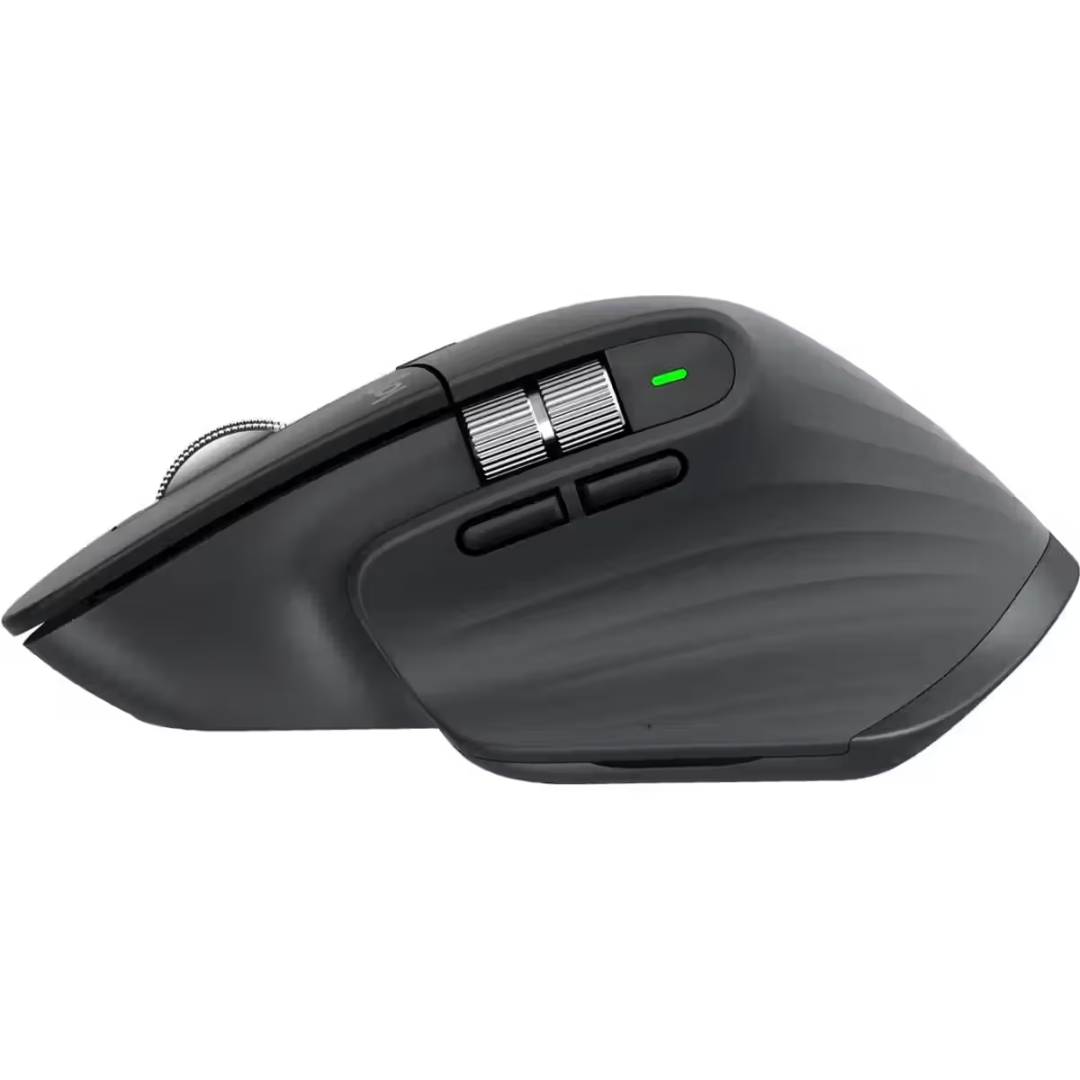
7 Programmable Buttons: Customize controls for app-specific commands, macros, and gestures using Logi Options+.
Premium Ergonomic Design
Sculpted for Comfort and Support
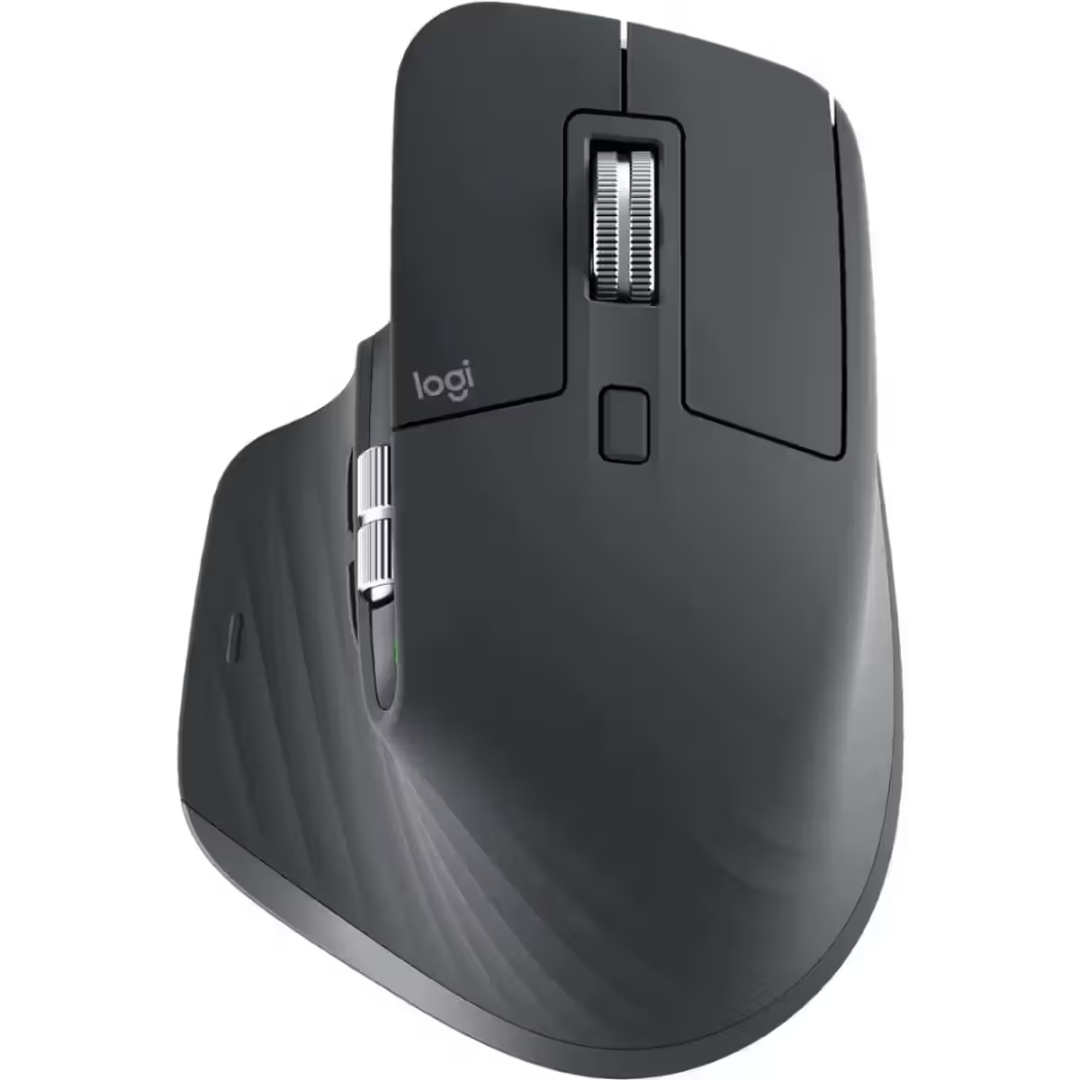
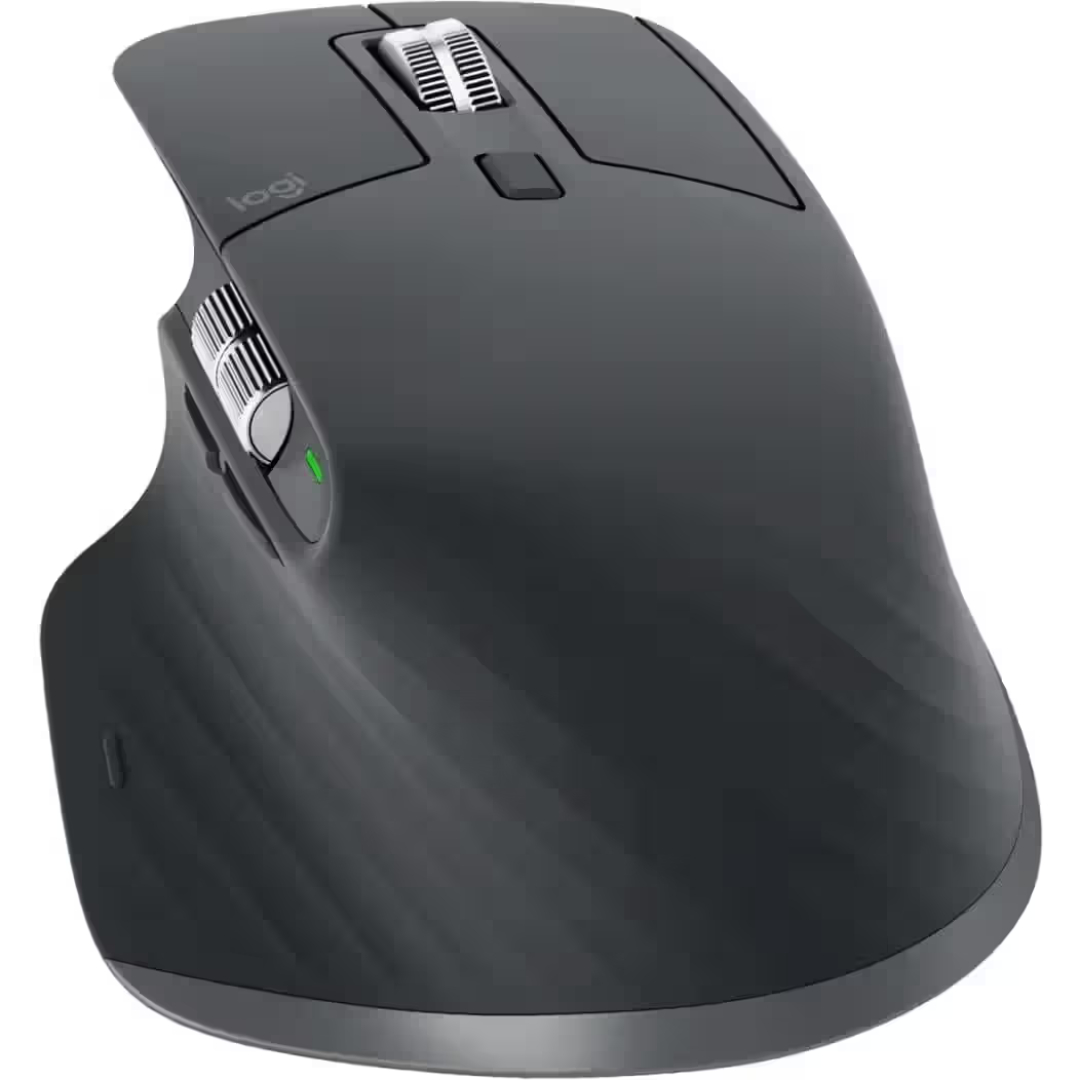
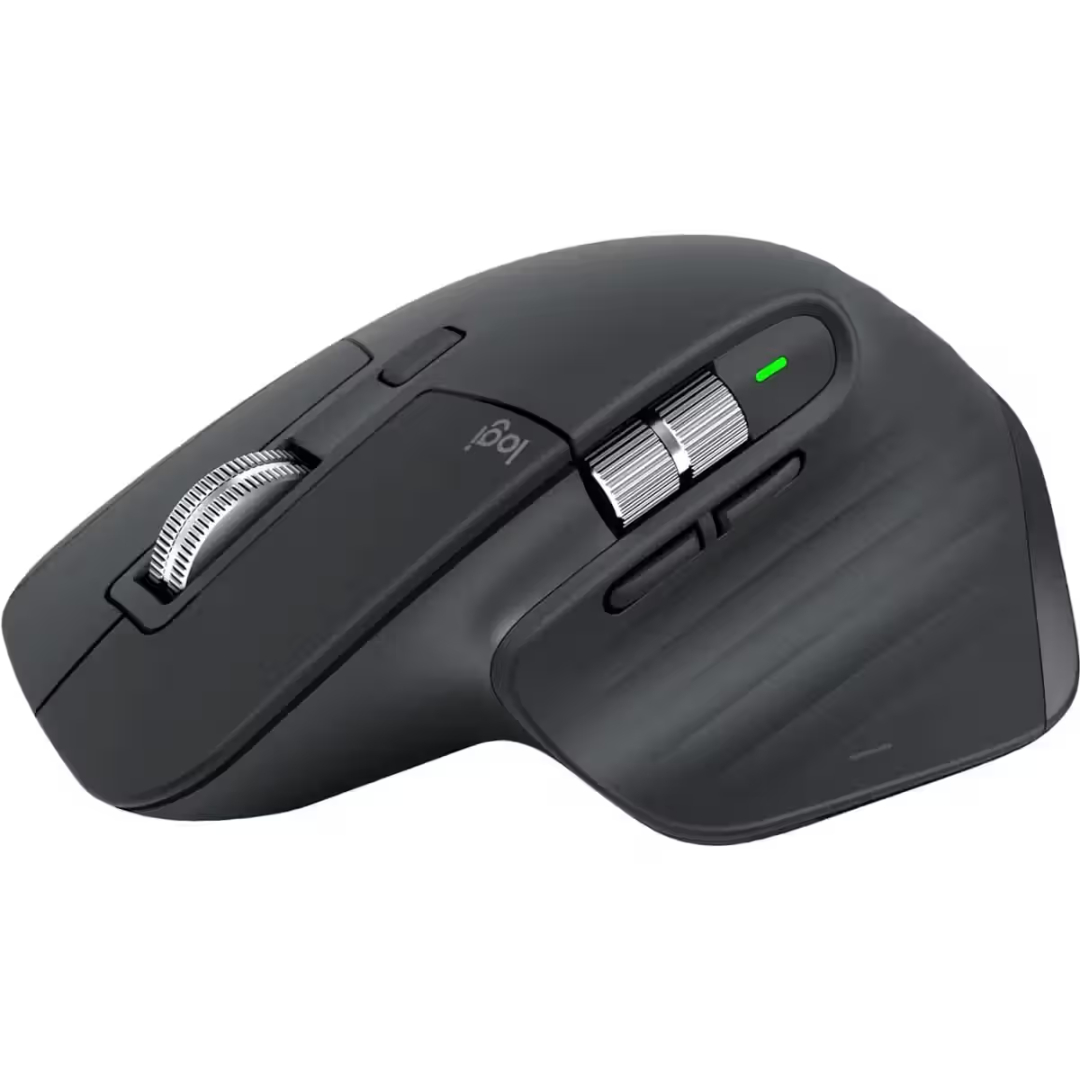
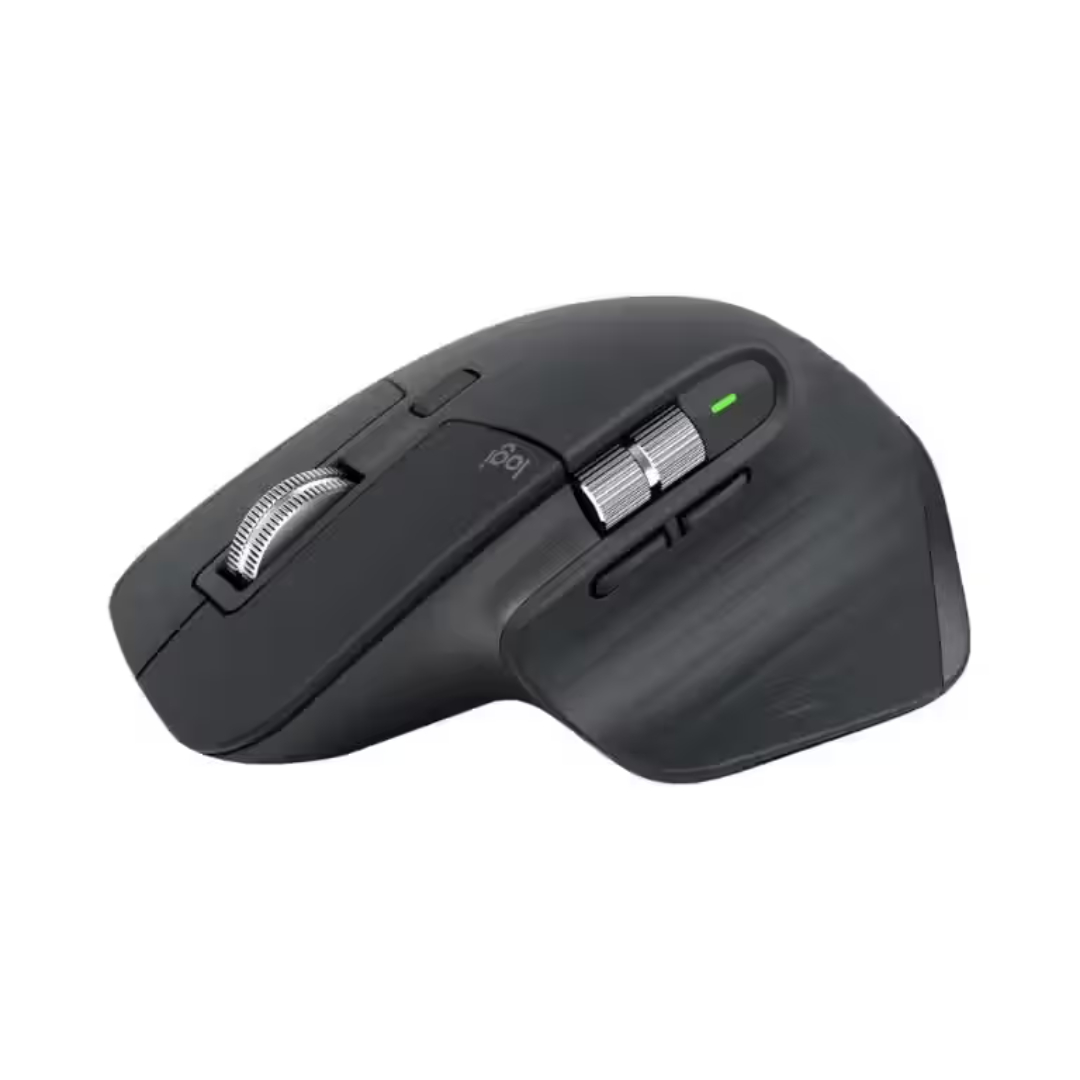
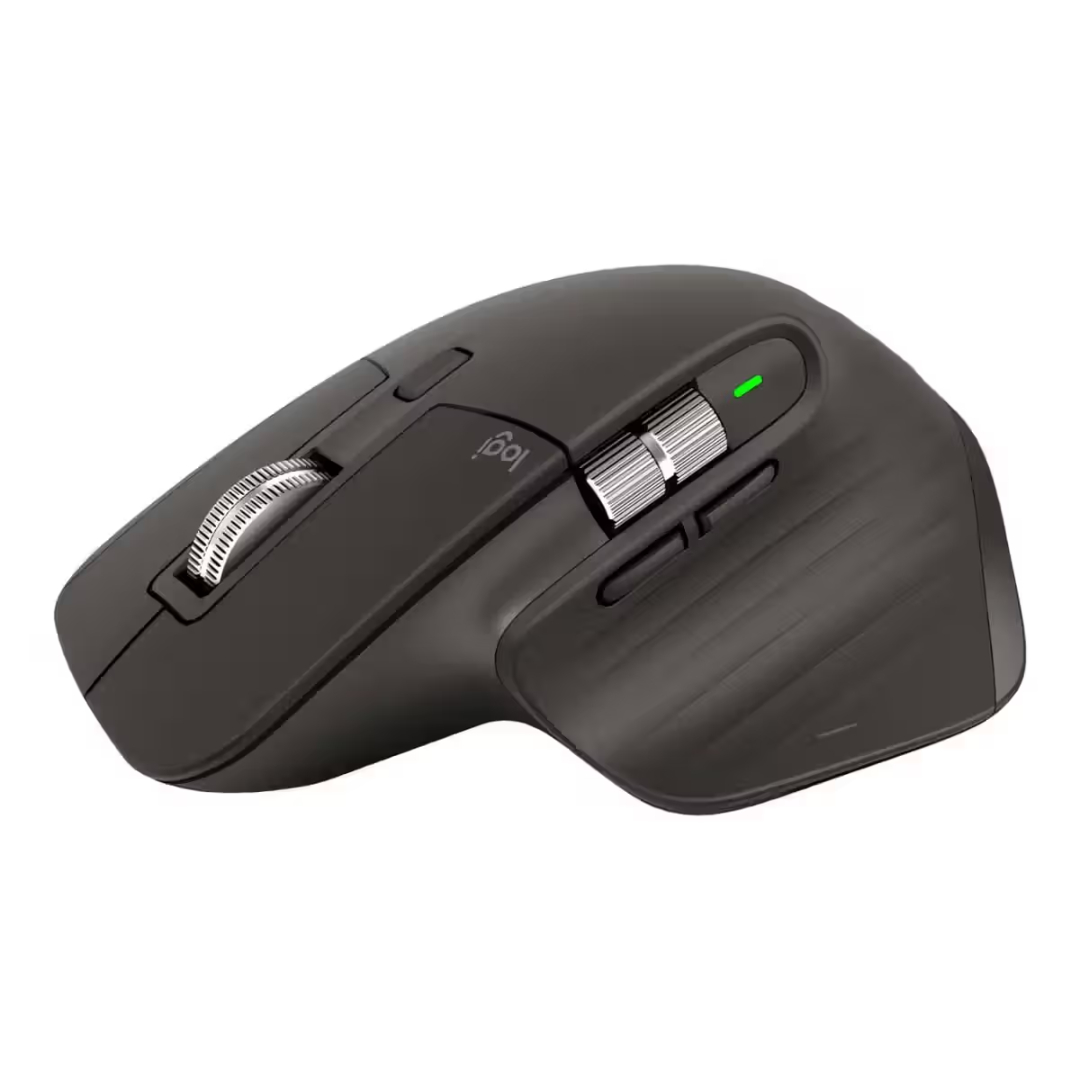
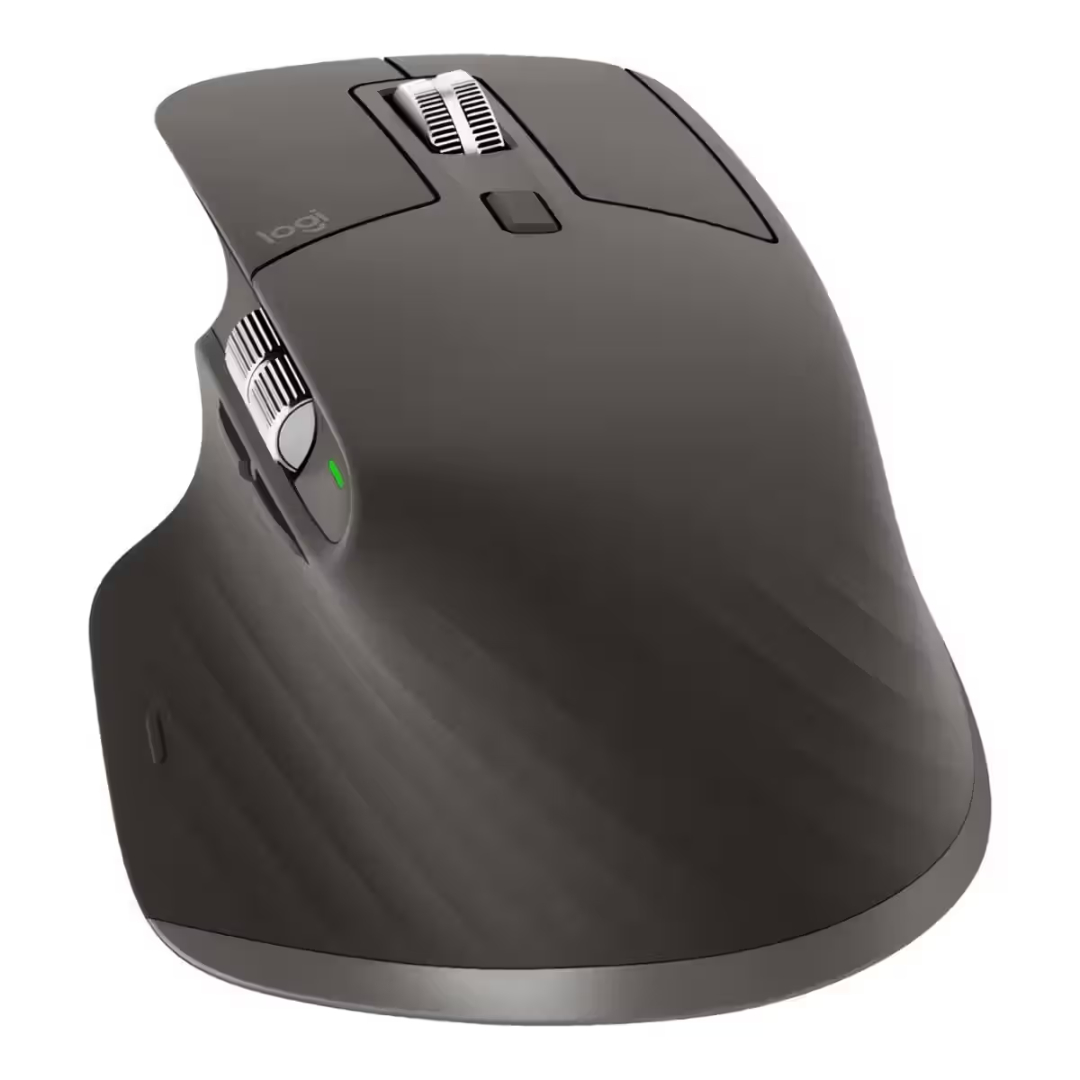
The Logitech MX Master 3S features a meticulously crafted ergonomic shape that cradles your right hand and promotes a natural, relaxed wrist position. This ergonomic mouse is designed for extended work sessions, reducing fatigue and strain during long days of intensive use. The contoured thumb rest provides additional support, while the intuitive button placement ensures all controls are easily accessible.
Premium Build Quality and Finish
Finished in sophisticated Graphite, the Logitech MX Master 3S exudes professional elegance with its premium materials and attention to detail. The soft-touch surfaces provide a secure, comfortable grip, while the durable construction ensures years of reliable performance. The refined aesthetic makes this productivity mouse equally at home in a creative studio or a corporate boardroom.
Advanced Performance Features
Darkfield Sensor Technology
The Logitech MX Master 3S incorporates Logitech’s advanced Darkfield sensor, delivering exceptional tracking performance on virtually any surface. This darkfield sensor allows you to work seamlessly on glass up to 4mm thick, glossy desks, and even wood grain surfaces where traditional optical mice fail. With 8000 DPI sensitivity, you can achieve pixel-perfect precision for detailed creative work.
MagSpeed Scroll Wheel and Quiet Clicks
Experience scrolling reimagined with the MagSpeed electromagnetic scroll wheel. The magspeed scroll wheel delivers 90% faster scrolling than traditional wheels, allowing you to glide through hundreds of pages in seconds. Switch effortlessly between hyper-fast, frictionless scrolling and precise, ratcheted scrolling with a simple gesture. Combined with quiet clicks, the MX Master 3S reduces click noise by 90%, creating a focused, distraction-free work environment.
Technical Specifications
Getting Started with Your Logitech MX Master 3S
-
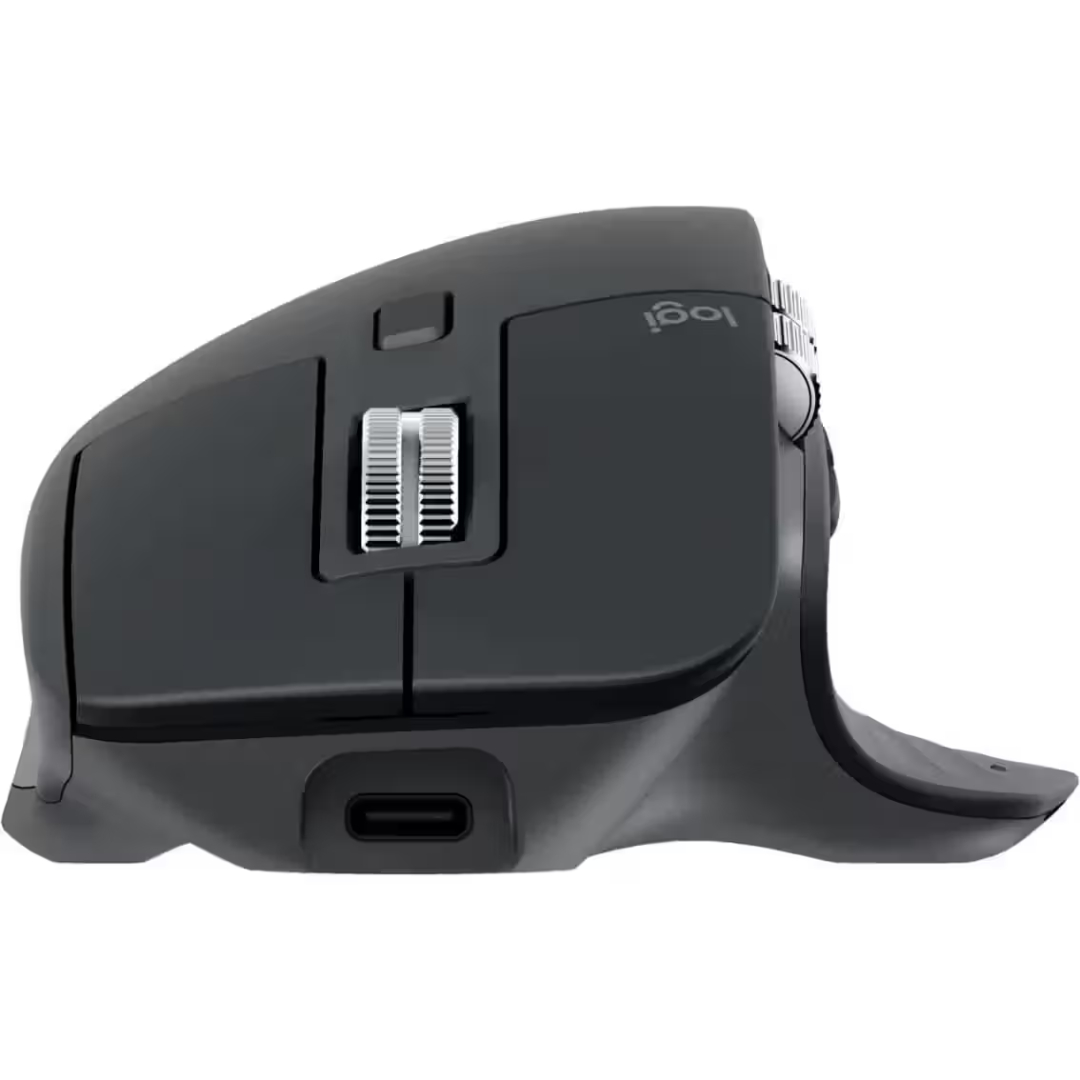
Charge the Mouse: Connect the USB-C cable to the mouse and a power source for a full charge.
-
Choose Connection Method: Select between Logi Bolt USB receiver or Bluetooth for connectivity.
-
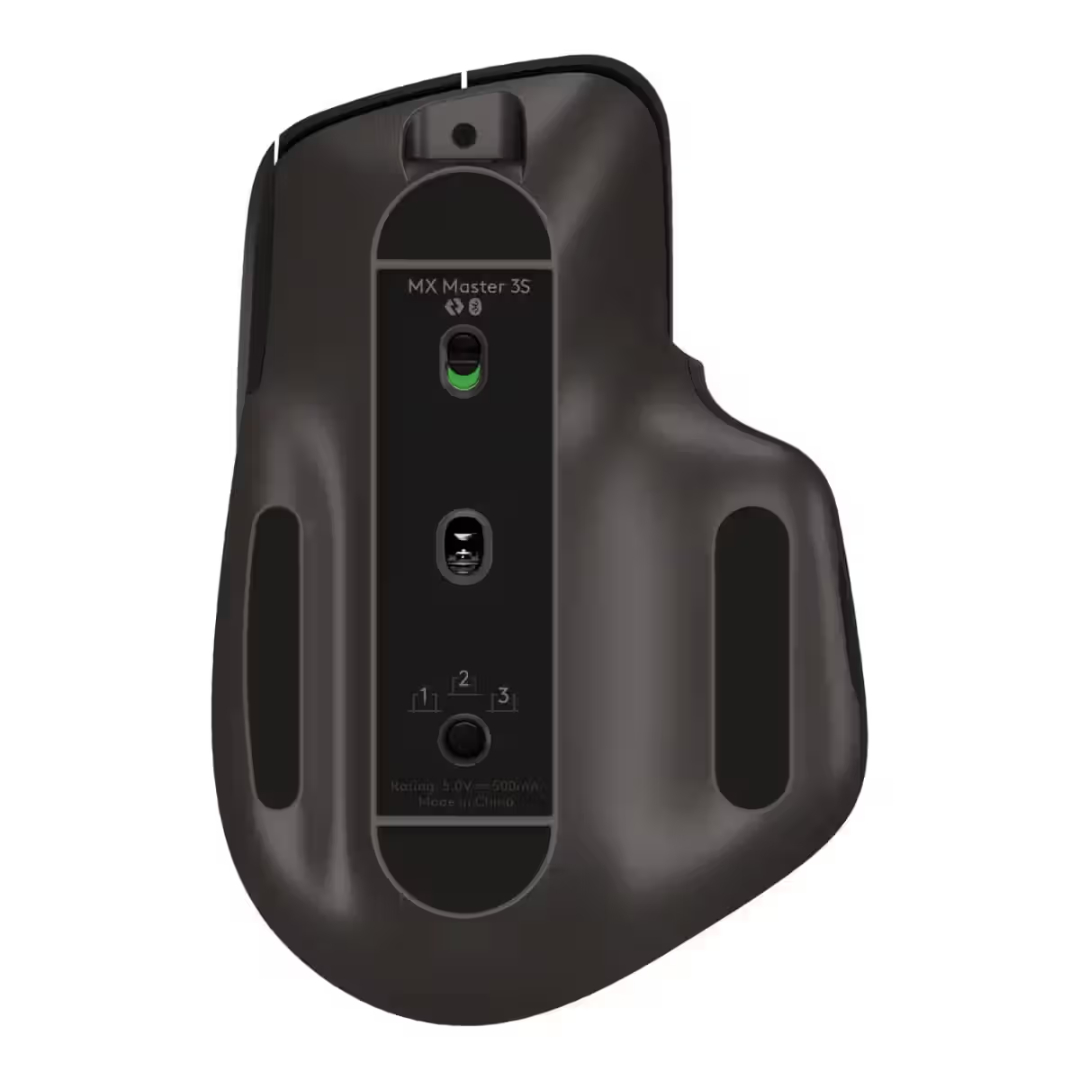
Pair with Devices: Use the Easy-Switch button on the bottom to pair with up to 3 devices.
-
Download Software: Install Logi Options+ to customize buttons, gestures, and Flow settings.
-
Customize Buttons: Assign app-specific commands, macros, and shortcuts to the 7 programmable buttons.
-
Enable Flow: Set up Logitech Flow to seamlessly control multiple computers and transfer files between them.
Logitech MX Master 3S Frequently Asked Questions
What is the difference between MX Master 3S and MX Master 3?
The Logitech MX Master 3S features several key upgrades over the MX Master 3, including a higher 8000 DPI Darkfield sensor, 90% quieter clicks for reduced noise, and improved Logi Bolt wireless connectivity for enhanced security and stability.
Can I use this mouse on glass surfaces?
Yes, the Logitech MX Master 3S features a Darkfield sensor specifically designed to track on glass up to 4mm thick, glossy surfaces, and other challenging materials where standard optical mice cannot function.
How long does the battery last, and how do I charge it?
This rechargeable mouse offers up to 70 days of battery life on a full charge. Charging is via USB-C, and a quick 1-minute charge provides up to 3 hours of use. You can continue using the mouse while it charges.
Is this mouse compatible with Mac and Windows?
Yes, the Logitech MX Master 3S works seamlessly with both Windows and macOS. Logi Options+ software provides full customization on both platforms, and the mouse can be paired with up to 3 devices across different operating systems.
What is Logitech Flow?
Logitech Flow is a powerful feature that allows you to control multiple computers with a single mouse. Simply move your cursor to the edge of the screen, and it will transition to your other computer. You can also copy and paste text, images, and files between devices seamlessly.
How quiet are the clicks on this mouse?
The Logitech MX Master 3S features Logitech’s Quiet Click technology, which reduces click noise by 90% compared to standard mice. This makes it ideal for quiet office environments, libraries, or late-night work sessions where noise is a concern.
Final Thoughts on the Logitech MX Master 3S
The Logitech MX Master 3S represents the gold standard in productivity mouse design, combining exceptional ergonomics with advanced sensor technology and intelligent workflow features. Its whisper-quiet clicks create a focused work environment, while the MagSpeed scroll wheel delivers unmatched efficiency for navigating long documents. For professionals who demand precision, comfort, and seamless multi-device control, this mouse sets a new benchmark.
Whether you are a creative professional working with detailed design software, a financial analyst navigating complex spreadsheets, or a multitasker managing multiple computers, the Logitech MX Master 3S provides the tools and technology needed to work smarter, faster, and more comfortably.


 Mobile Devices



 Pick up from the Depine Nairobi Store
 Nairobi Delivery
 Countrywide Delivery


 Warranty 1 year
 Free 30-Day returns


Reviews
Clear filtersThere are no reviews yet.