Brand New Logitech M90 USB Optical Mouse Wired 1000 DPI 3-Button Ambidextrous Design Plug-and-Play USB-A Cable – Black
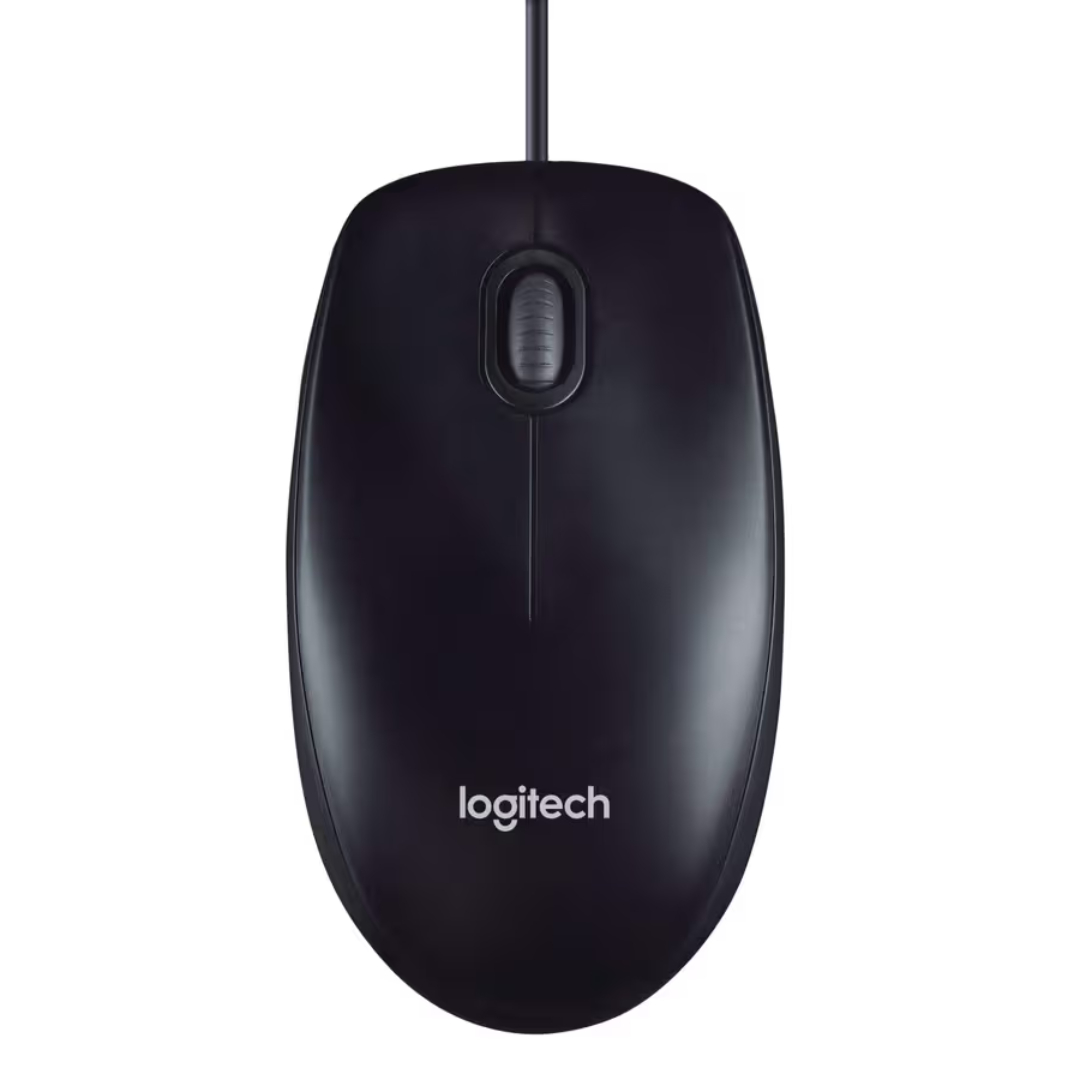
The Logitech M90 delivers reliable, no-nonsense performance for users who prefer the simplicity and responsiveness of a wired connection. This Brand New Logitech M90 features an optical sensor with 1000 DPI tracking, providing smooth cursor control for everyday computing tasks. With its ambidextrous design, plug-and-play setup, and durable construction, this wired mouse is the ideal choice for offices, schools, home workstations, and anyone seeking a dependable input device that simply works.
Key Benefits of the Logitech M90
-
Plug-and-Play Simplicity: No software installation required – just connect and start using immediately
-
1000 DPI Optical Tracking: Smooth, accurate cursor movement for everyday productivity
-
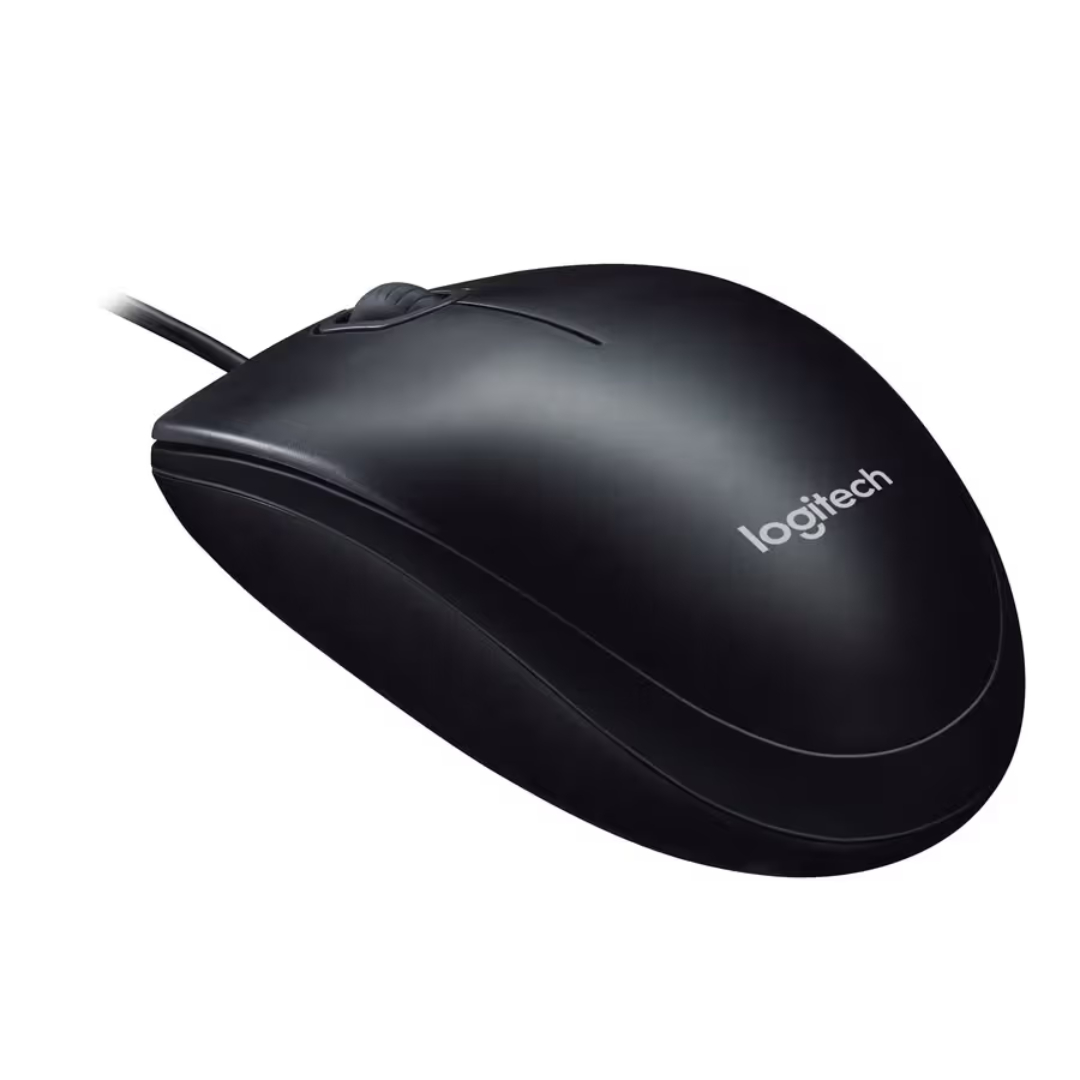
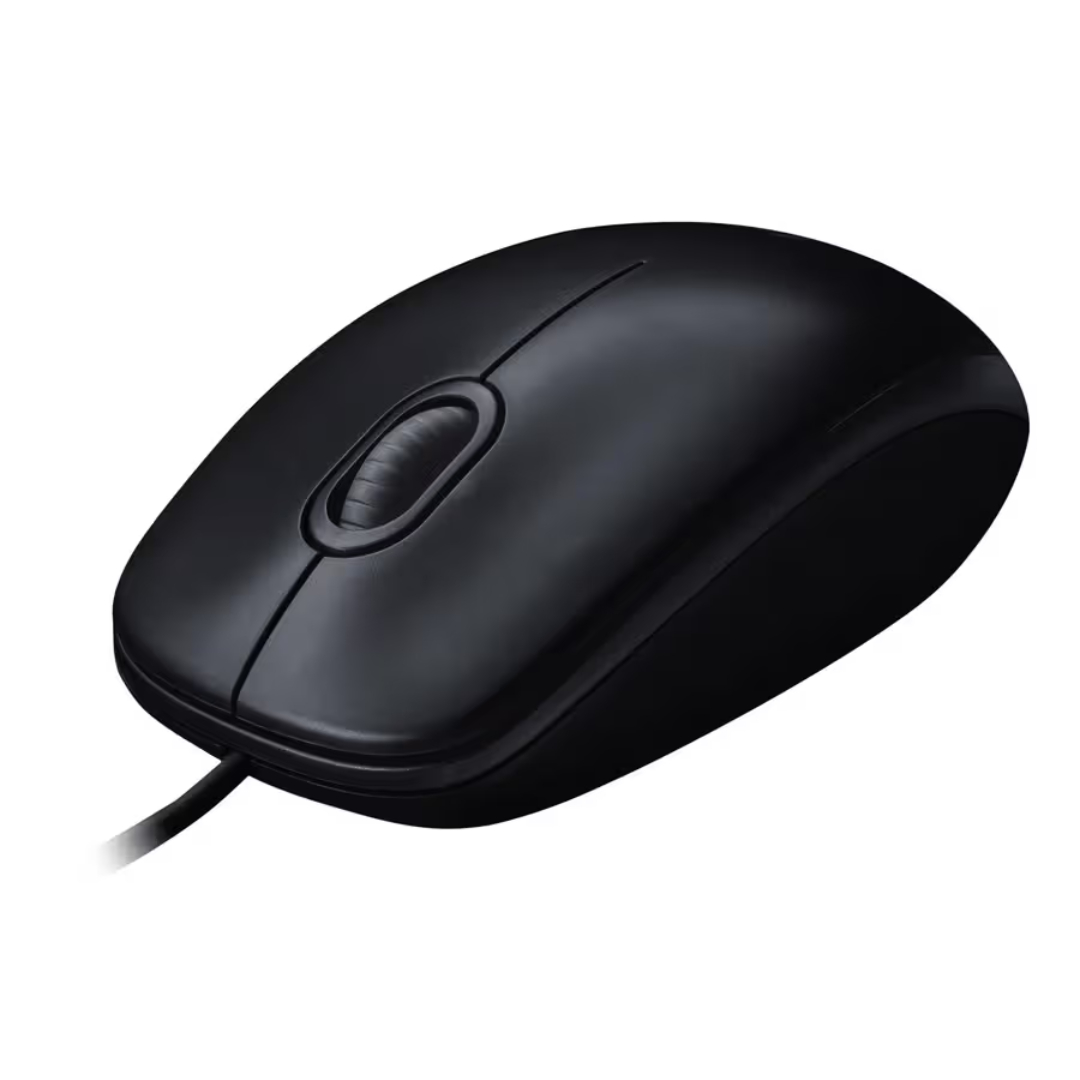
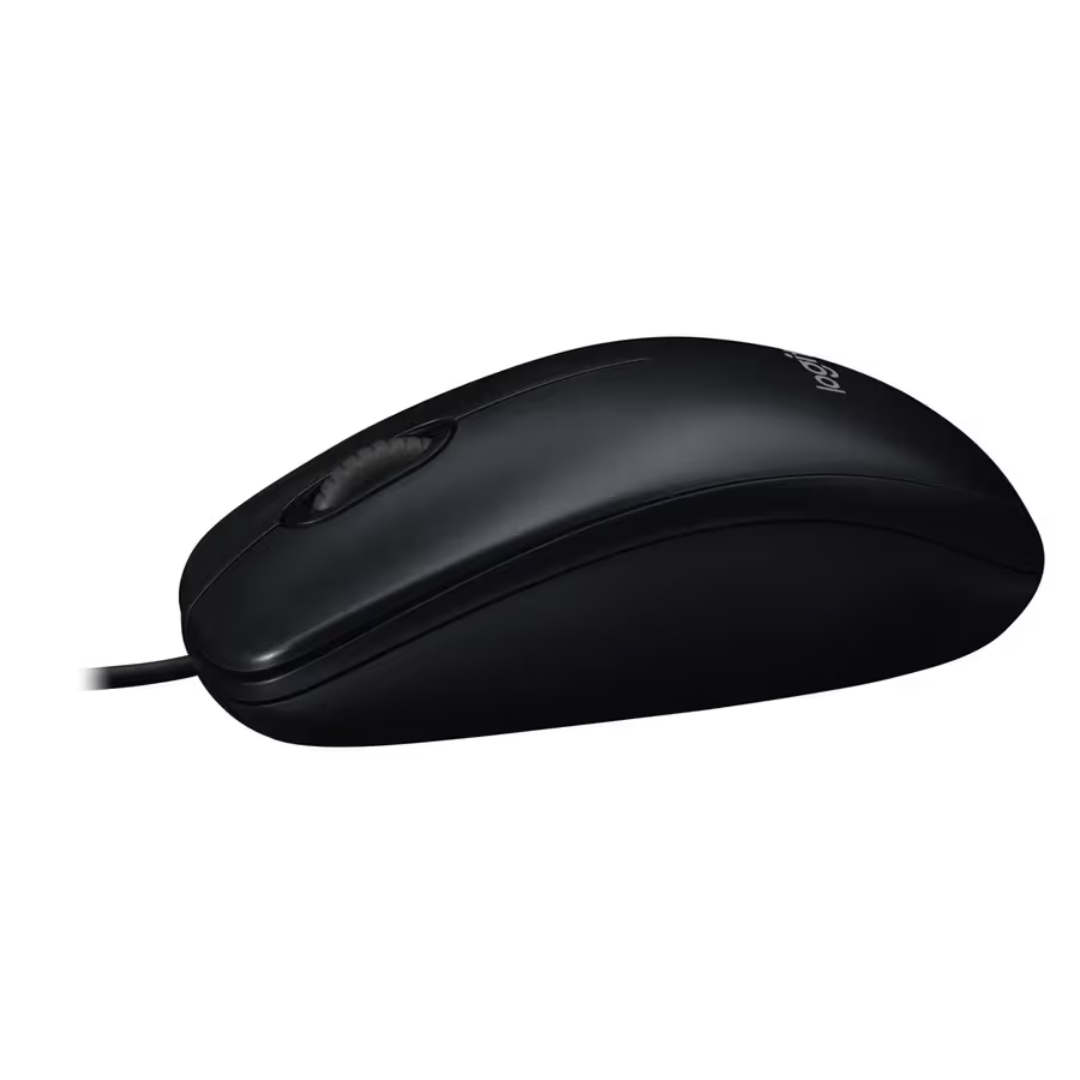
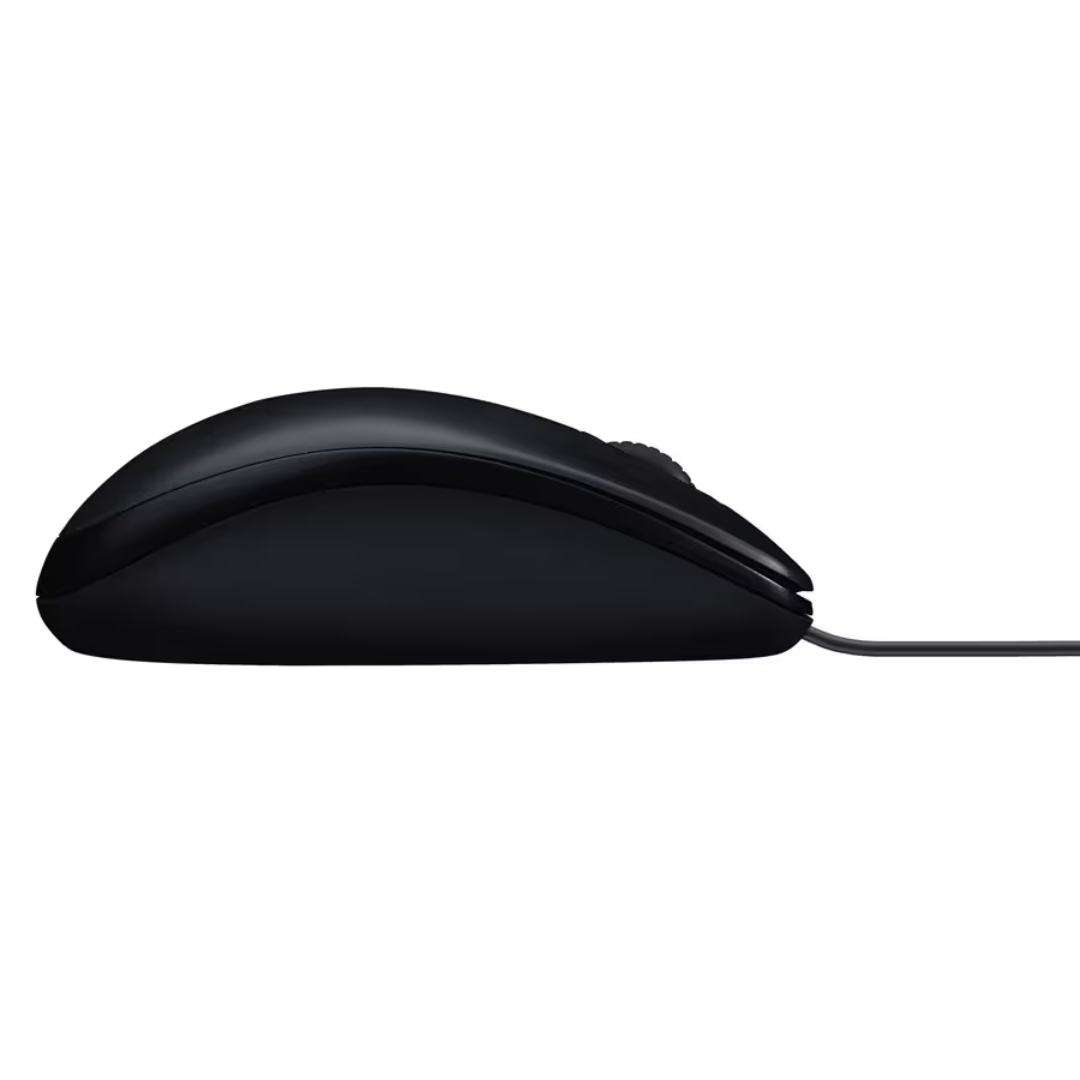
Ambidextrous Design: Symmetrical shape comfortable for both left and right-handed users
-
Reliable Wired Connection: No batteries, no pairing, no signal interference
-
Long 180 cm Cable: Flexible positioning for desktop and laptop setups
Simple and Reliable Design
Plug-and-Play Convenience
The Logitech M90 is designed for users who value simplicity. Simply plug the USB-A connector into your computer, and the mouse is ready for immediate use. There is no software to install, no drivers to configure, and no batteries to replace. This hassle-free setup makes the M90 perfect for IT departments, educational environments, and home users who want a reliable mouse without complications.
Ambidextrous Ergonomics
The symmetrical shape of the Logitech M90 accommodates both left and right-handed users comfortably. The contoured design fits naturally in the hand, reducing fatigue during extended work sessions. The three-button layout with a responsive scroll wheel provides essential functionality without unnecessary complexity.
Durable Construction for Everyday Use
Built to Last
Logitech builds the M90 with durability in mind. The rugged construction withstands the demands of daily use in busy environments. The ABS plastic exterior resists wear, while the high-quality internal components ensure consistent performance over time. This reliability makes the M90 a trusted choice for office deployments and personal workstations alike.
Long Cable for Flexible Setup
The 180 cm USB-A cable provides ample length for desktop configurations, allowing you to position the mouse comfortably regardless of your computer placement. The cable is flexible and tangle-resistant, maintaining a clean workspace while ensuring consistent connectivity.
Technical Specifications
Getting Started with Your Logitech M90
-
Connect the Mouse: Plug the USB-A connector into an available USB port on your computer.
-
Position the Mouse: Place the mouse on a clean, flat surface for optimal tracking performance.
-
Start Using: The mouse is immediately recognized by your operating system with no setup required.
-
Adjust Settings (Optional): Access mouse settings in your operating system to adjust pointer speed and button configuration if desired.
Logitech M90 Frequently Asked Questions
Does this mouse require any software or drivers?
No, the Logitech M90 is a plug-and-play device that works immediately upon connection. No software installation or driver downloads are required. The mouse uses standard USB HID drivers built into all major operating systems.
Is this mouse suitable for left-handed users?
Yes, the Logitech M90 features a symmetrical ambidextrous design that works equally well for left-handed and right-handed users. The button layout is neutral, providing comfortable access for either hand.
What operating systems are compatible with this mouse?
The Logitech M90 works with Windows, macOS, Linux, and Chrome OS. As a standard USB mouse, it is compatible with virtually any computer that has a USB-A port.
What is the DPI of this mouse?
The Logitech M90 features a fixed 1000 DPI optical sensor. This resolution provides smooth, accurate tracking suitable for everyday productivity tasks, office work, and general computing.
Can I adjust the DPI or customize buttons?
The Logitech M90 is designed as a simple, no-software mouse with fixed DPI settings. Button customization is not supported. For users seeking programmable buttons or adjustable DPI, Logitech offers other models in their product lineup.
Is this mouse suitable for gaming?
The Logitech M90 is designed for office and general productivity use. While it will work for basic gaming, it lacks the high DPI, programmable buttons, and advanced sensors found in dedicated gaming mice.
Final Thoughts on the Logitech M90
The Logitech M90 represents the essence of what a reliable workhorse mouse should be: simple, durable, and consistently dependable. With its plug-and-play USB connectivity, 1000 DPI optical tracking, and ambidextrous design, this wired mouse handles everyday computing tasks with ease. The long 180 cm cable provides flexibility in any workspace, while the rugged construction ensures years of reliable service. Whether you are setting up a new office workstation, replacing a worn-out mouse, or simply prefer the reliability of a wired connection, the Logitech M90 delivers exactly what you need without unnecessary complexity. For users who value simplicity and dependability in their input devices, the Logitech M90 is an excellent choice.


 Mobile Devices



 Pick up from the Depine Nairobi Store
 Nairobi Delivery
 Countrywide Delivery


 Warranty 1 year
 Free 30-Day returns


Reviews
Clear filtersThere are no reviews yet.