Certified Refurbished HP EliteDisplay E273 27 in FHD (1920×1080) IPS Monitor 60Hz 250 cd/m² 1000:1 Contrast Ratio 94% sRGB HDMI DisplayPort VGA USB Hub Height-Adjustable Stand VESA Mountable – Black
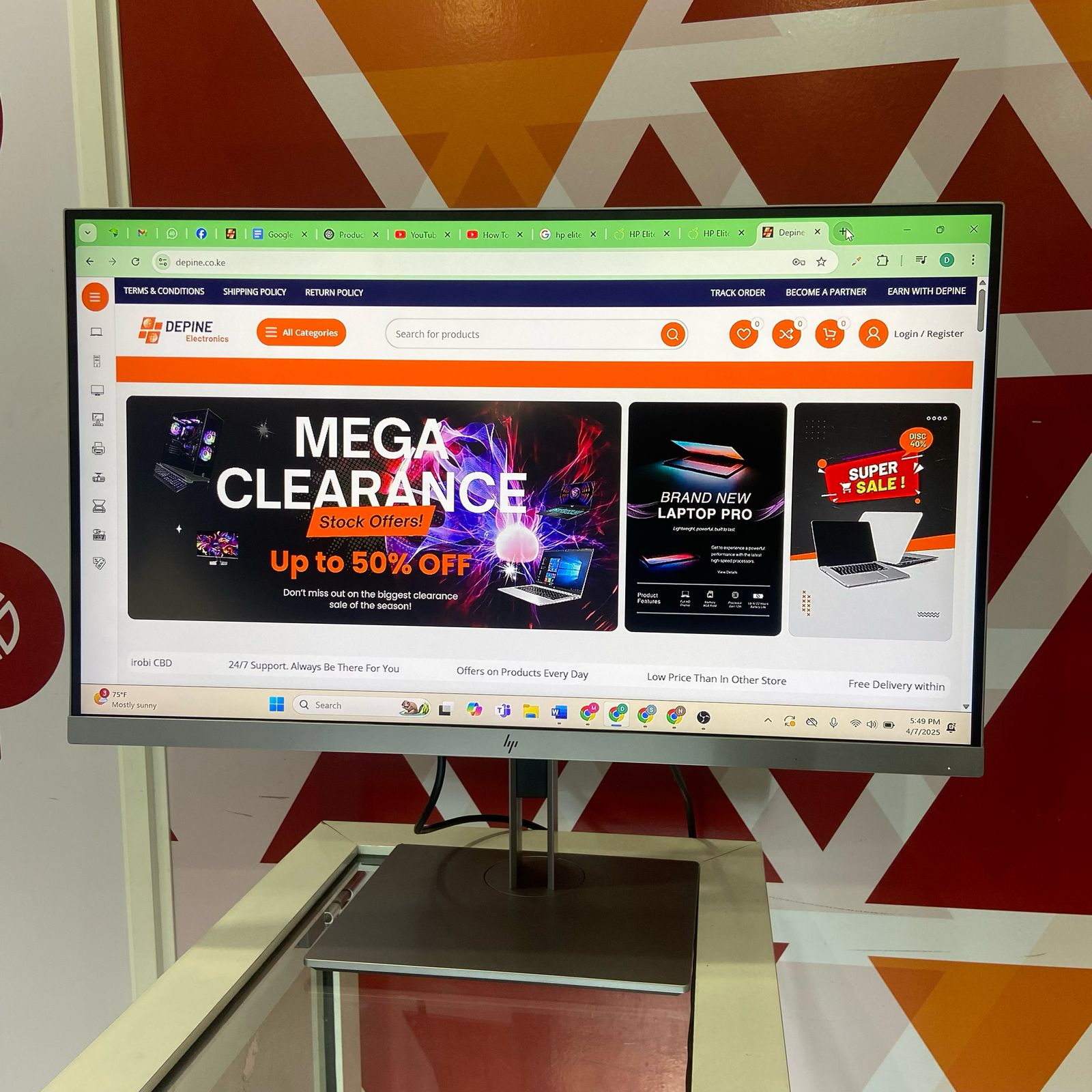
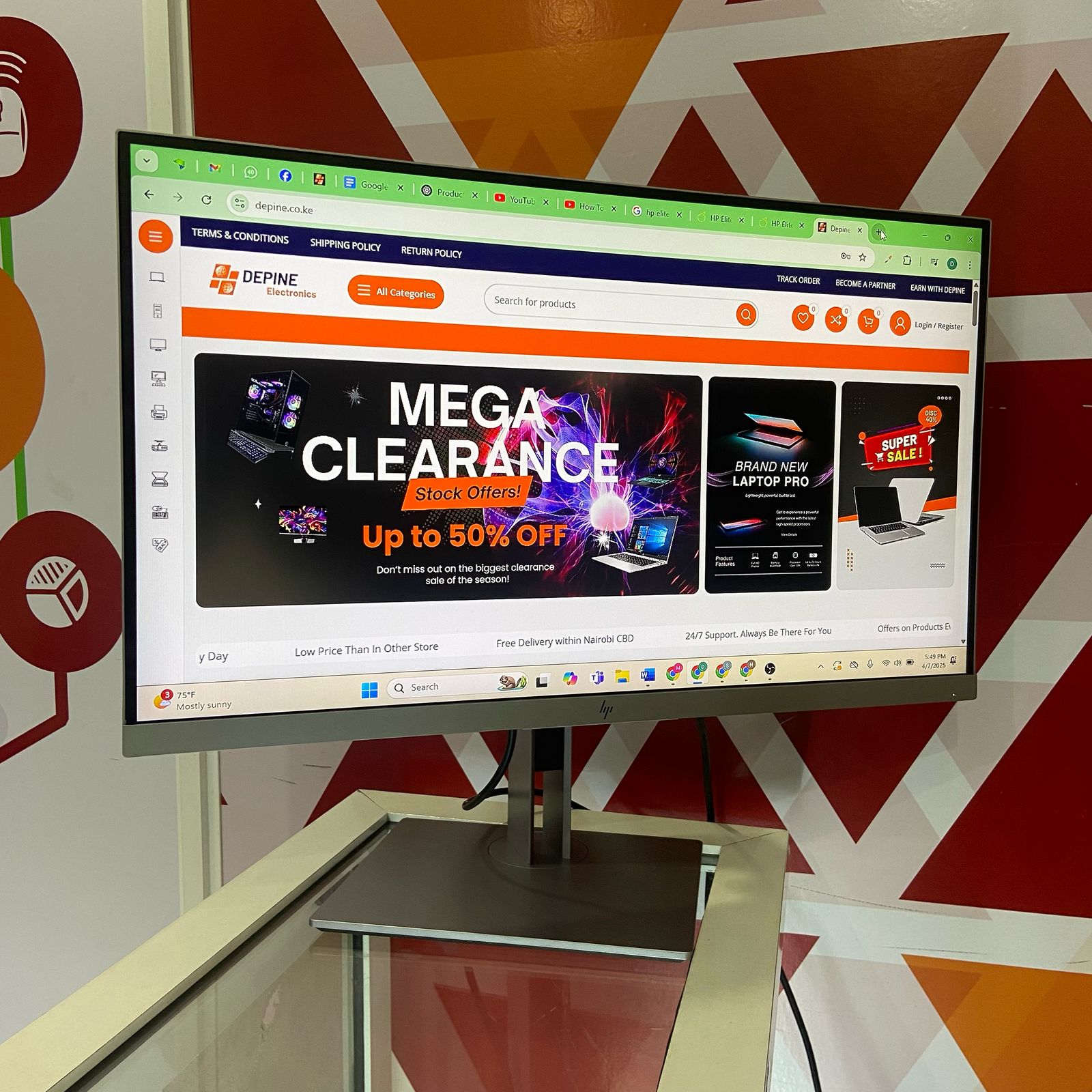
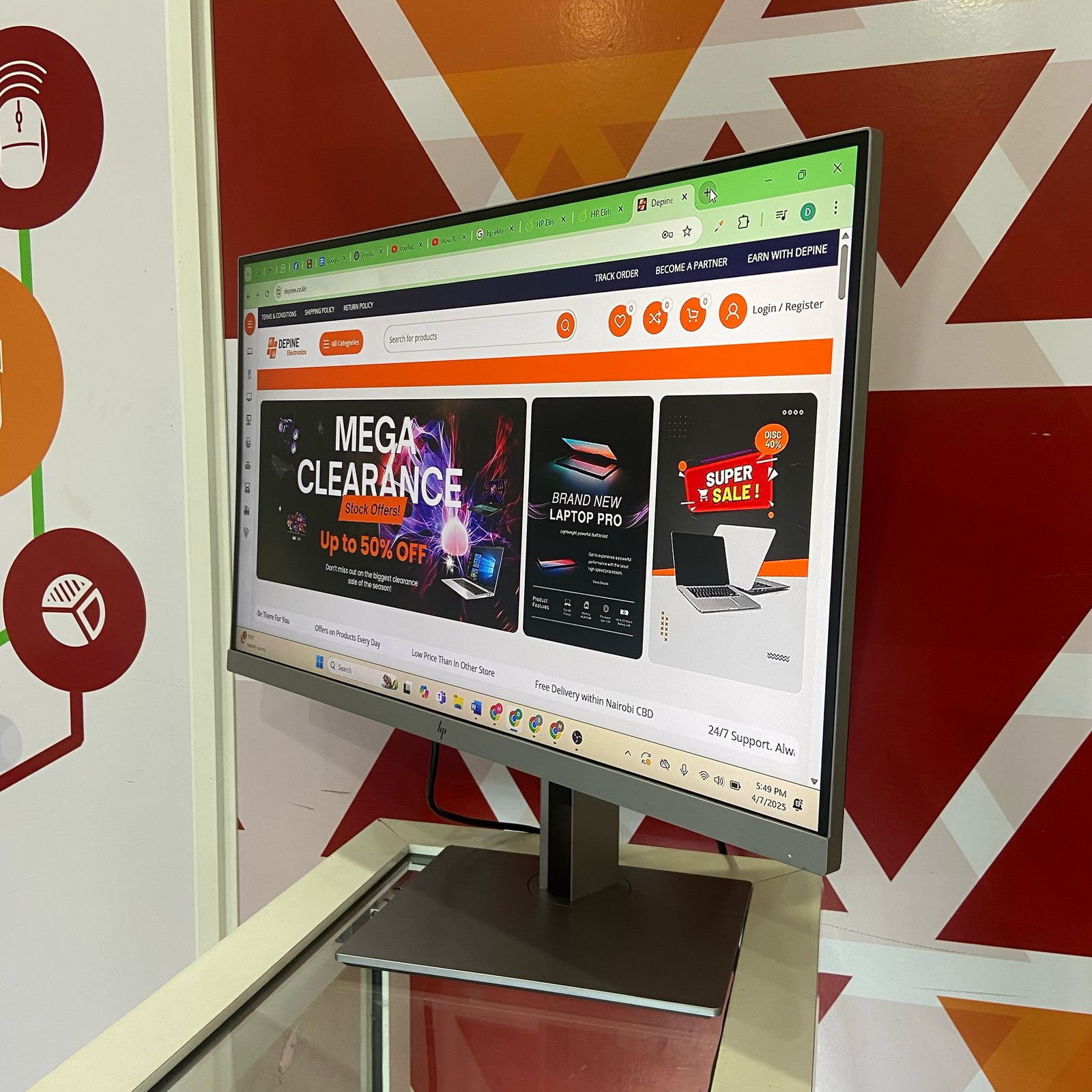
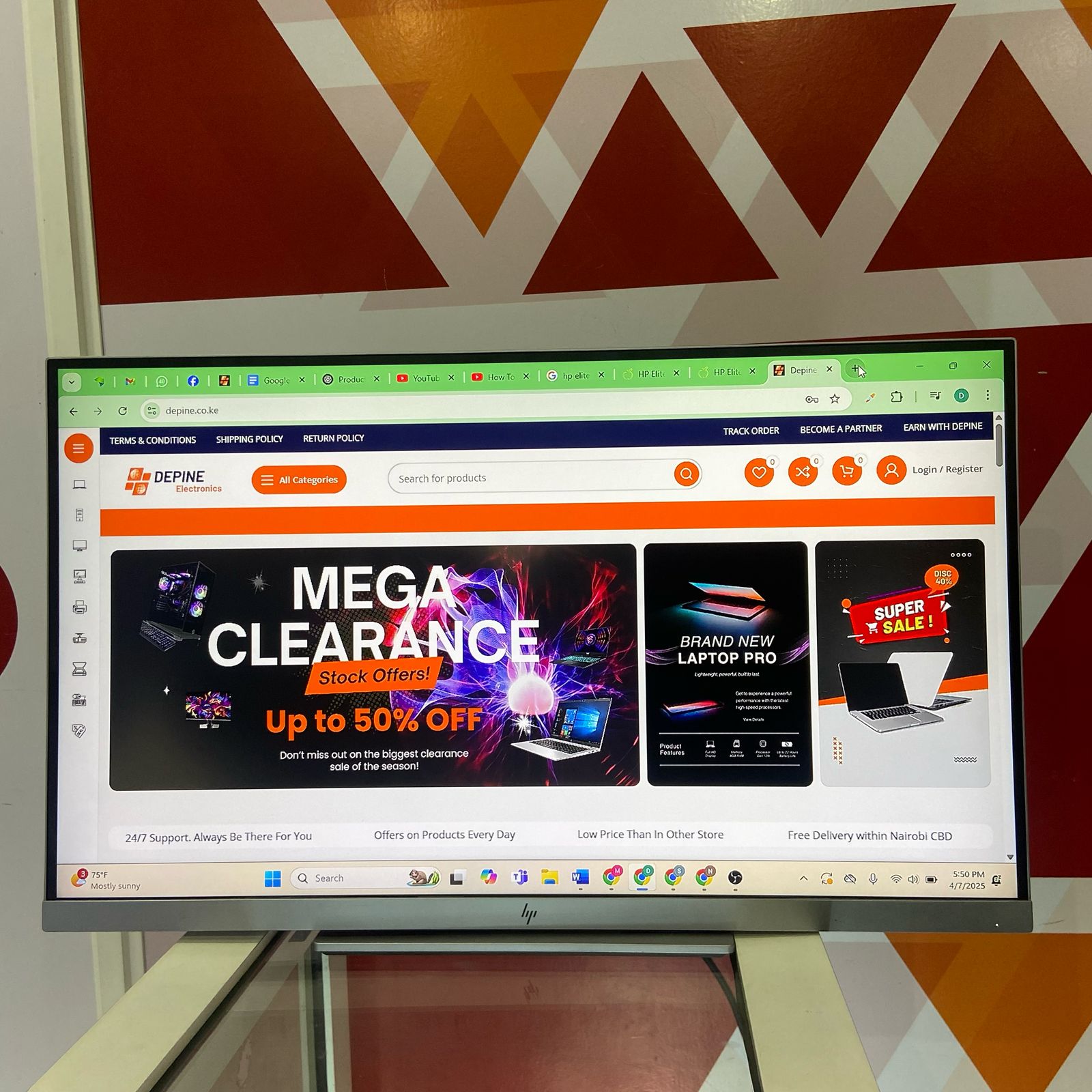
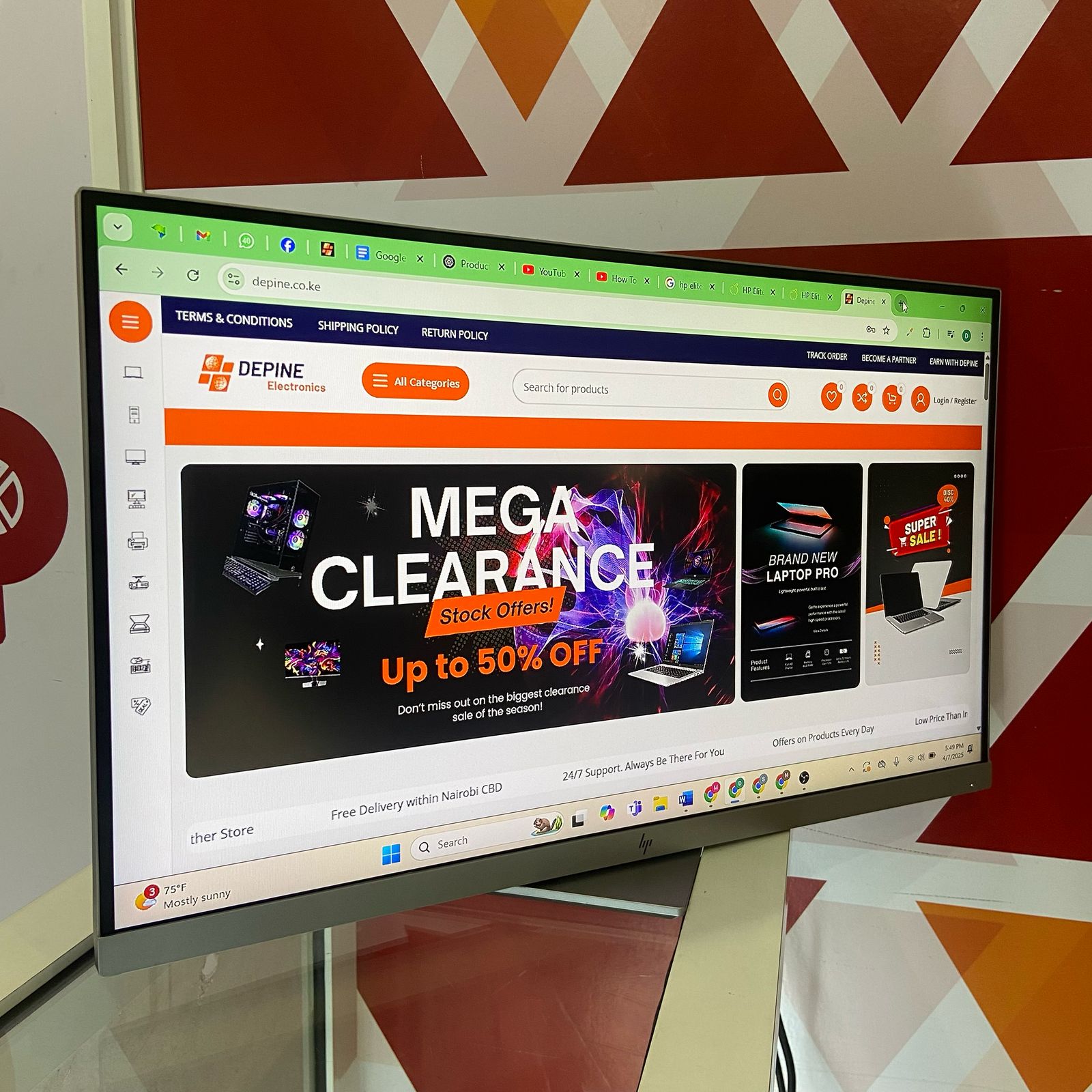
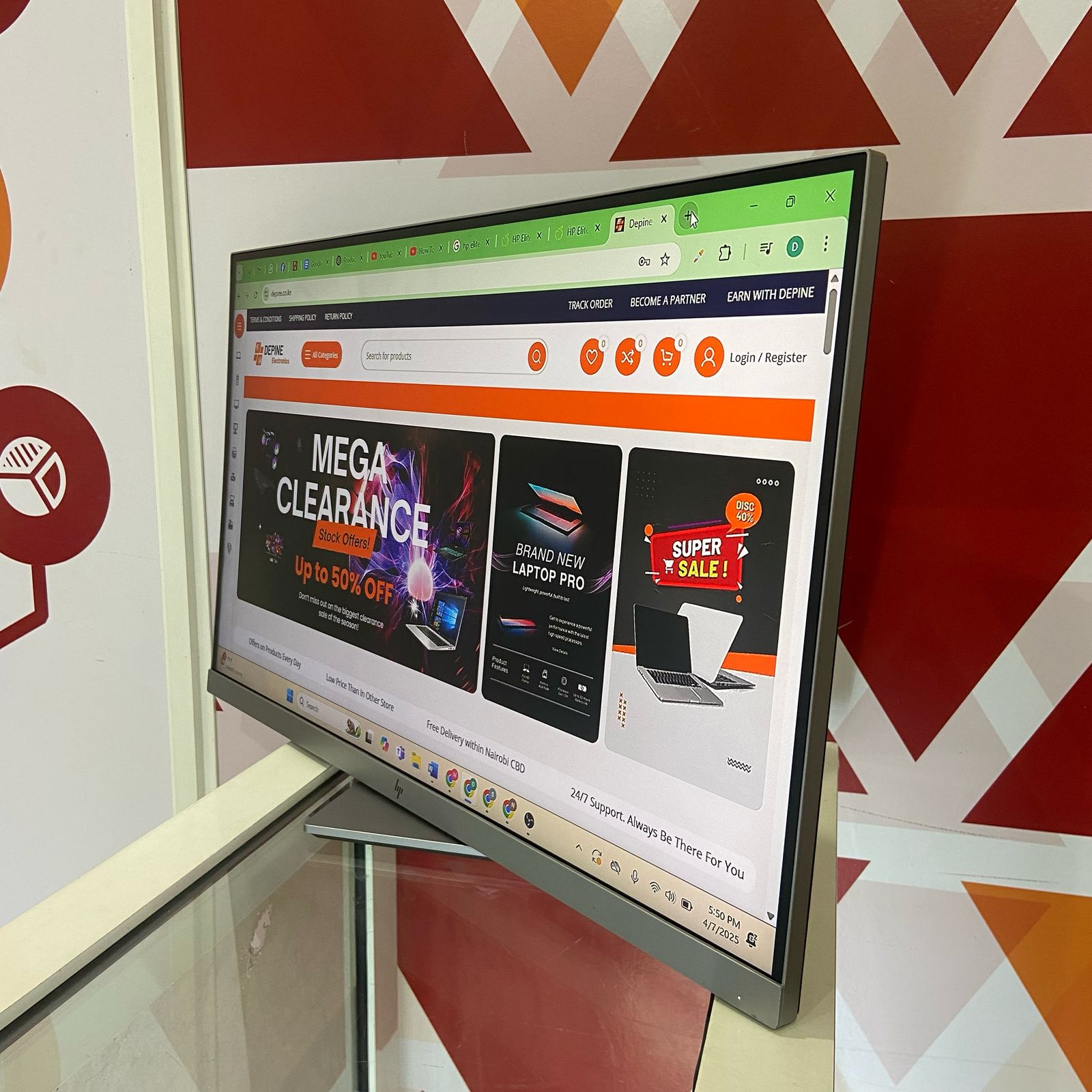
The HP EliteDisplay E273 delivers a spacious and professional computing experience with its generous 68.58 cm (27-inch) Full HD IPS display and premium ergonomic design.
This Certified Refurbished HP EliteDisplay E273 combines expansive screen real estate, reliable color performance, and flexible adjustability in one sophisticated package. With Full HD resolution, 94% sRGB coverage, and a convenient USB hub, this monitor is engineered for productivity-focused professionals who value screen size and comfort.
Whether for office work, home office setups, or business environments, the HP EliteDisplay E273 offers the perfect balance of size, performance, and ergonomics.
Key Benefits of the HP EliteDisplay E273 Monitor
-
Spacious 68.58 cm (27-inch) IPS Display: Full HD 1920×1080 resolution provides ample screen real estate for multitasking and comfortable viewing
-
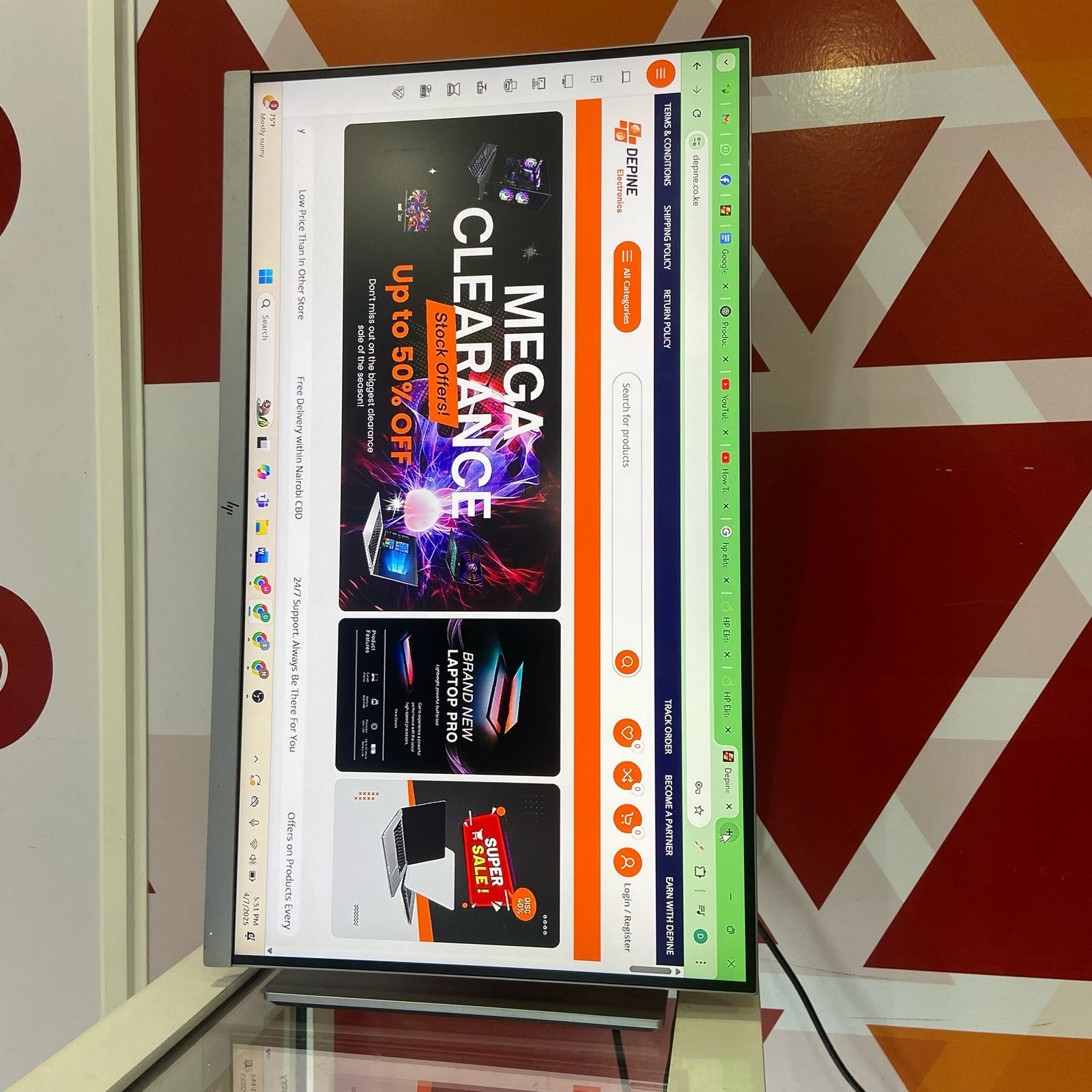
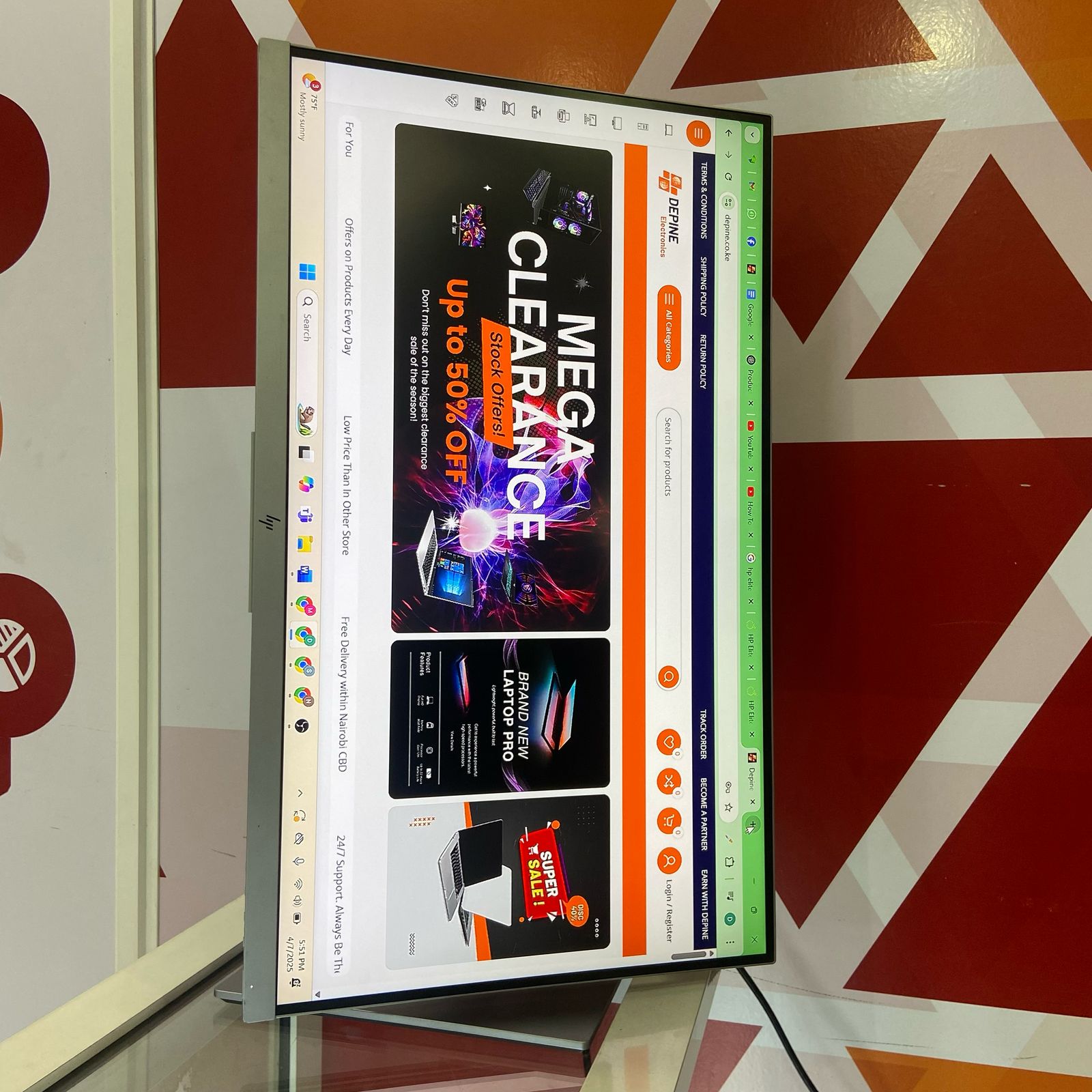
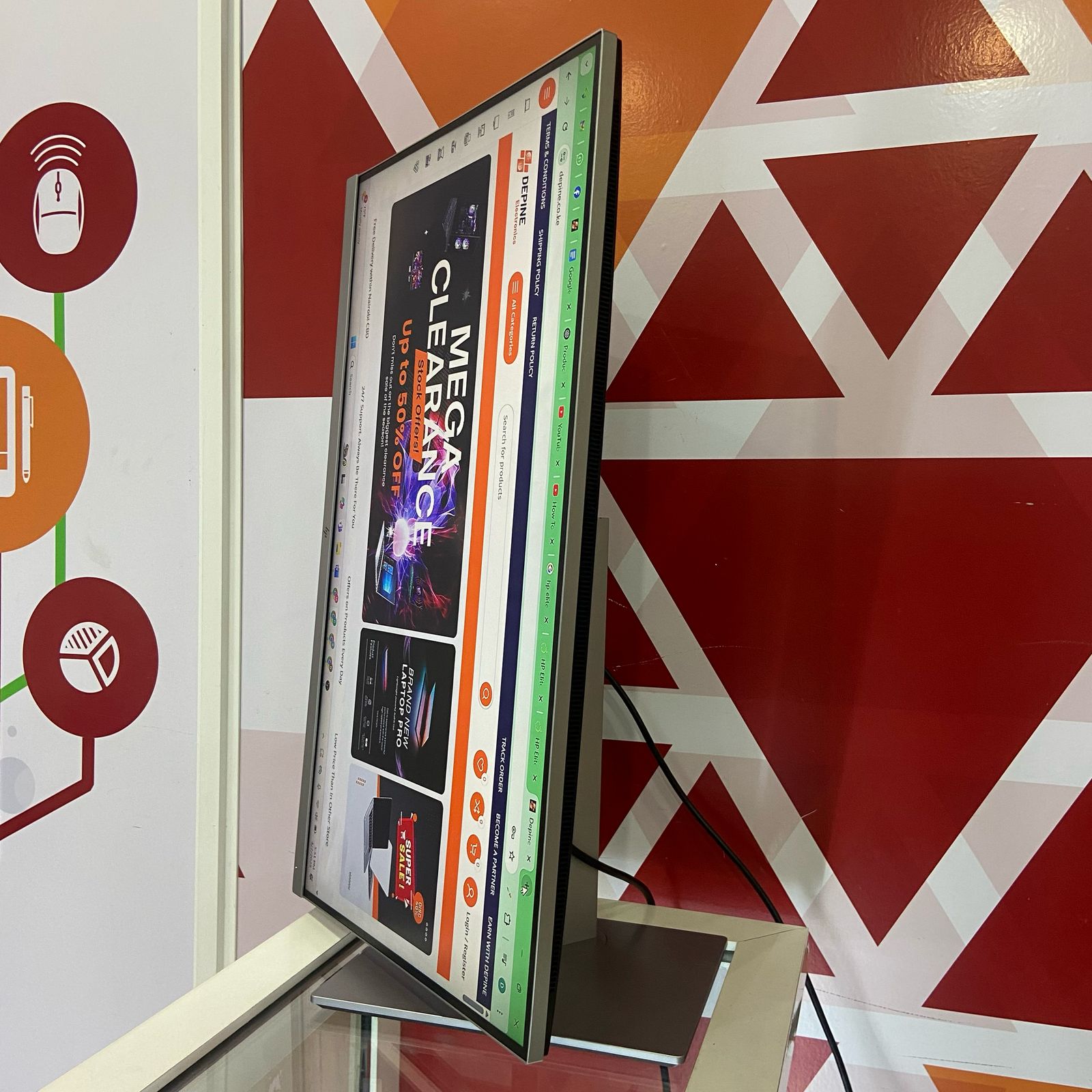
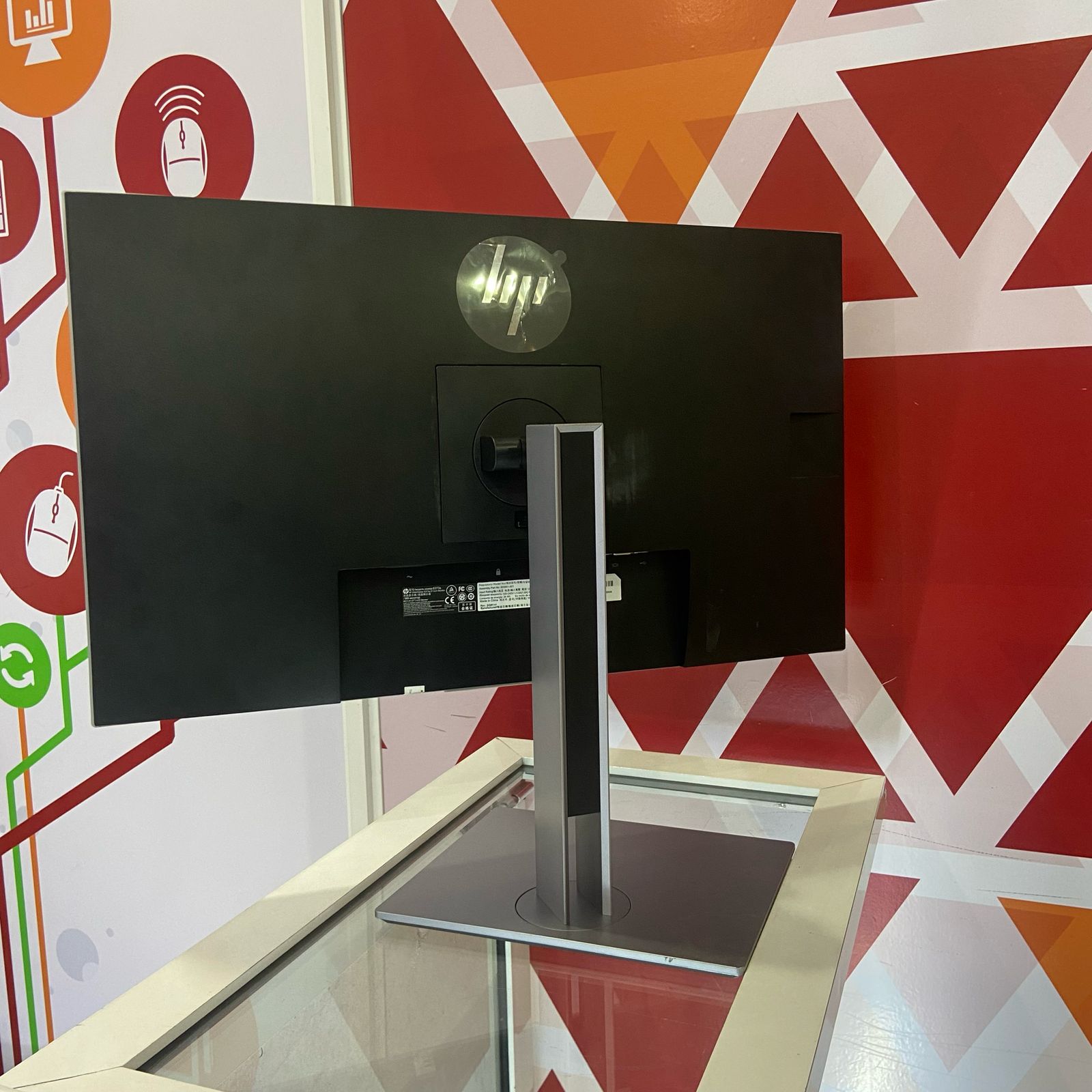
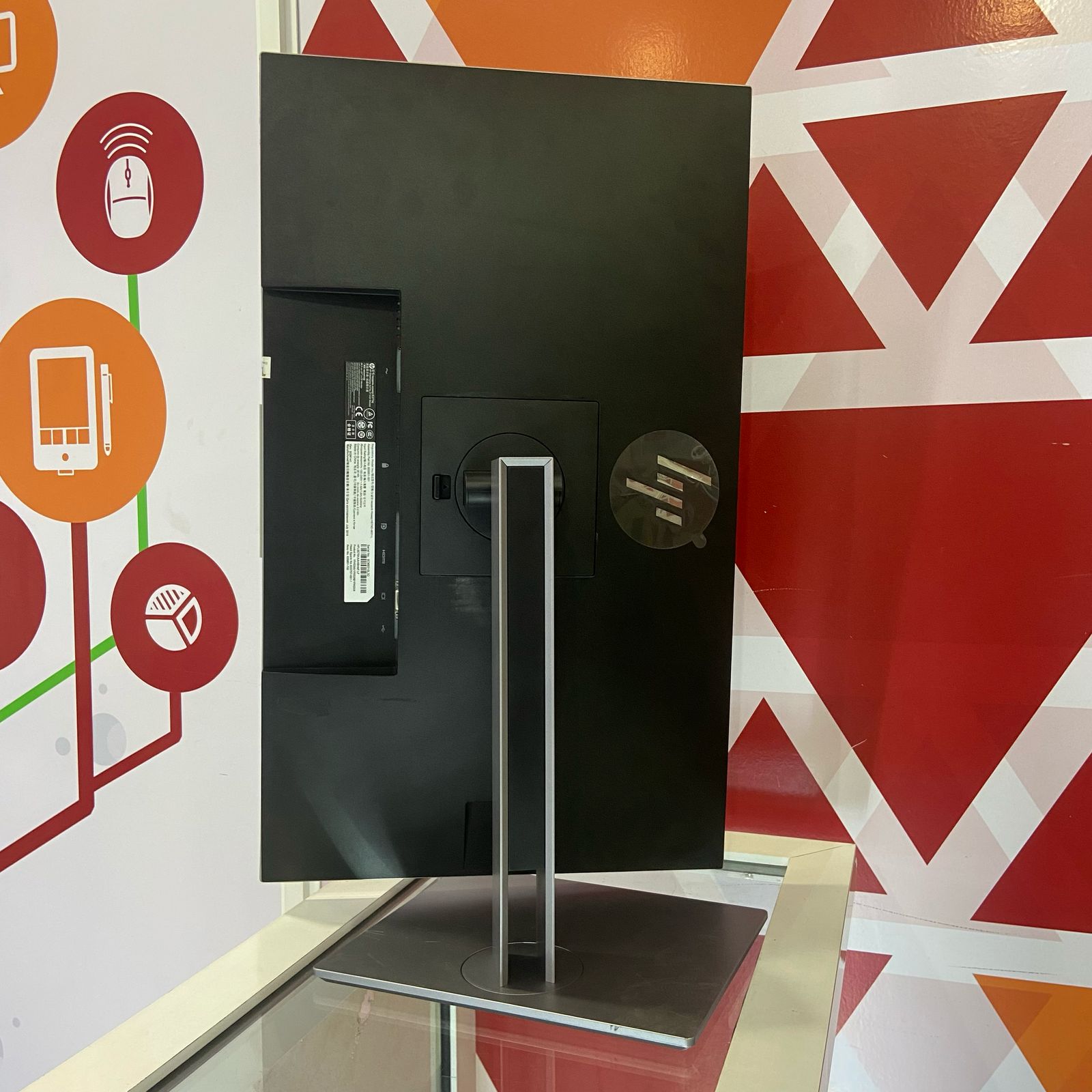
Professional Ergonomic Design: Height-adjustable stand with tilt, swivel, and pivot for personalized comfort throughout the workday
-
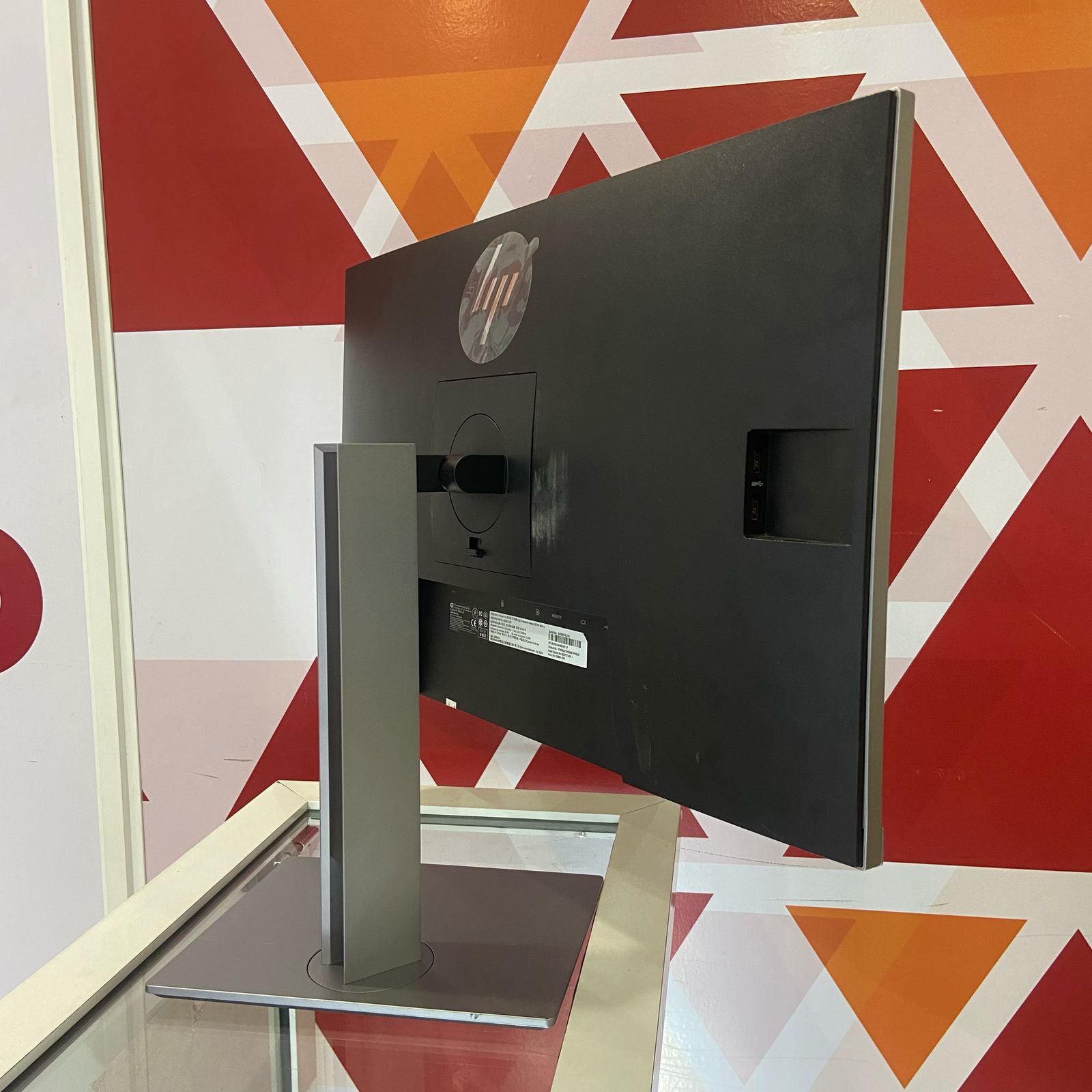
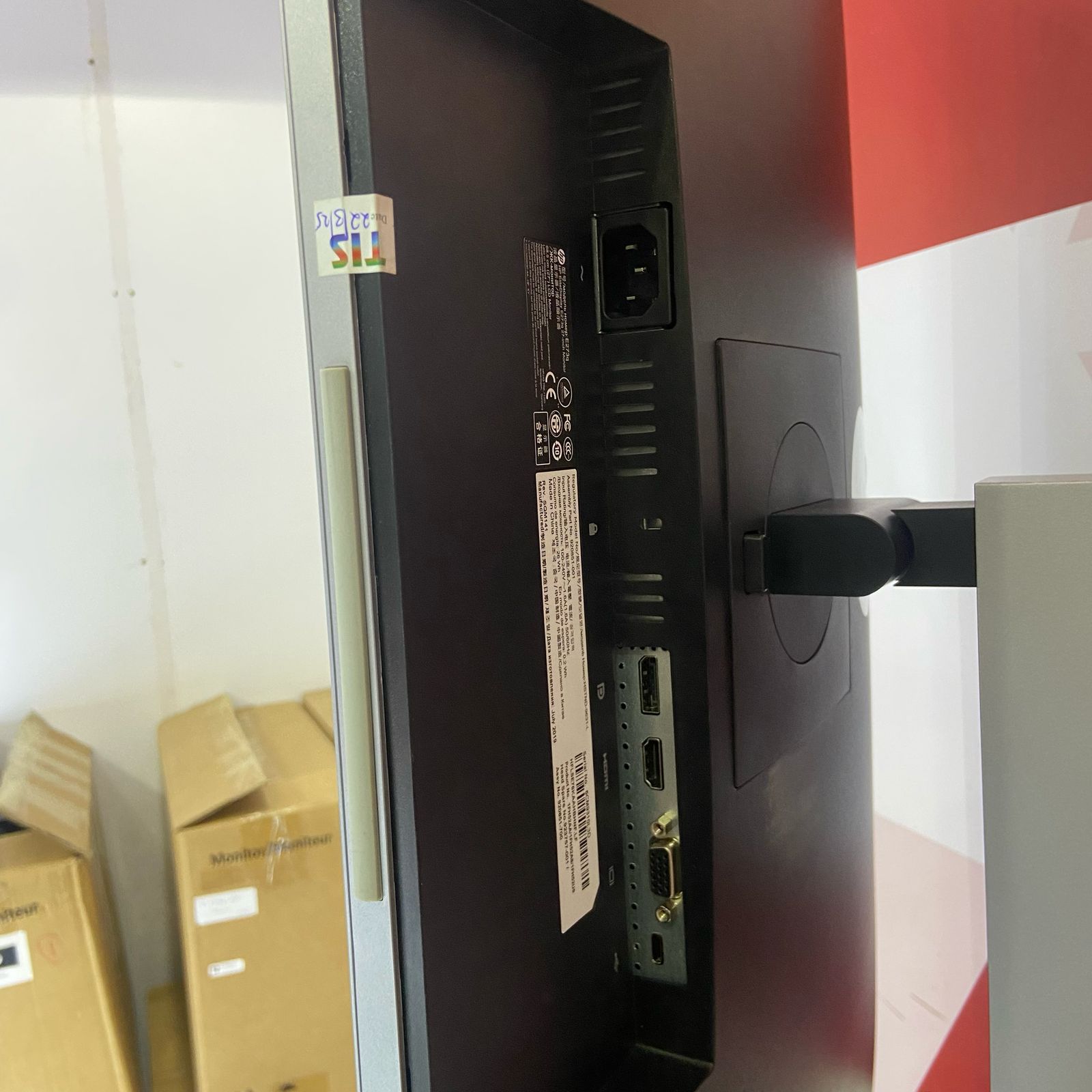
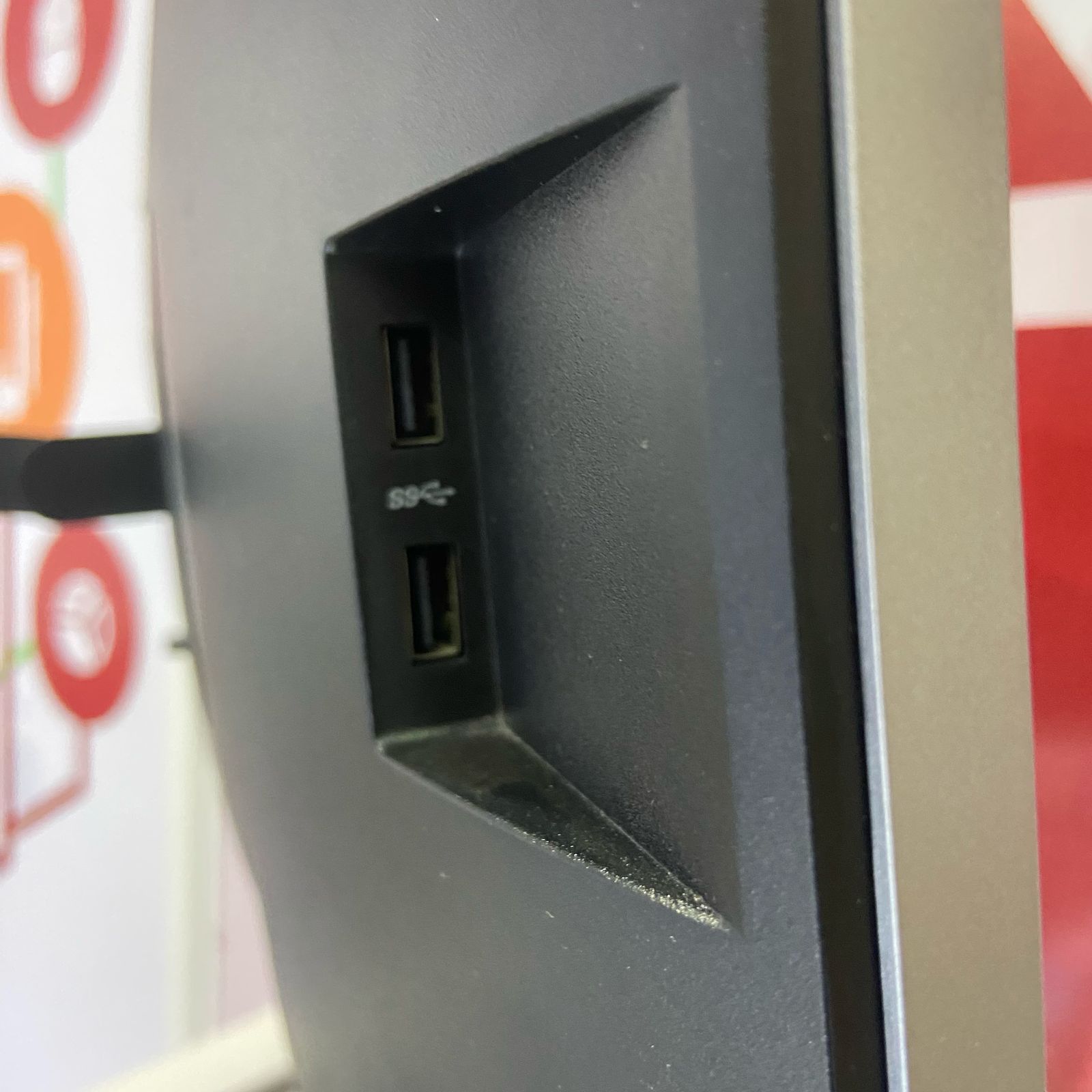
Integrated USB Hub: Three USB 3.0 ports provide convenient connectivity for peripherals and accessories
-
All-Day Eye Comfort: Flicker-free technology and low blue light mode reduce eye strain during extended work sessions
-
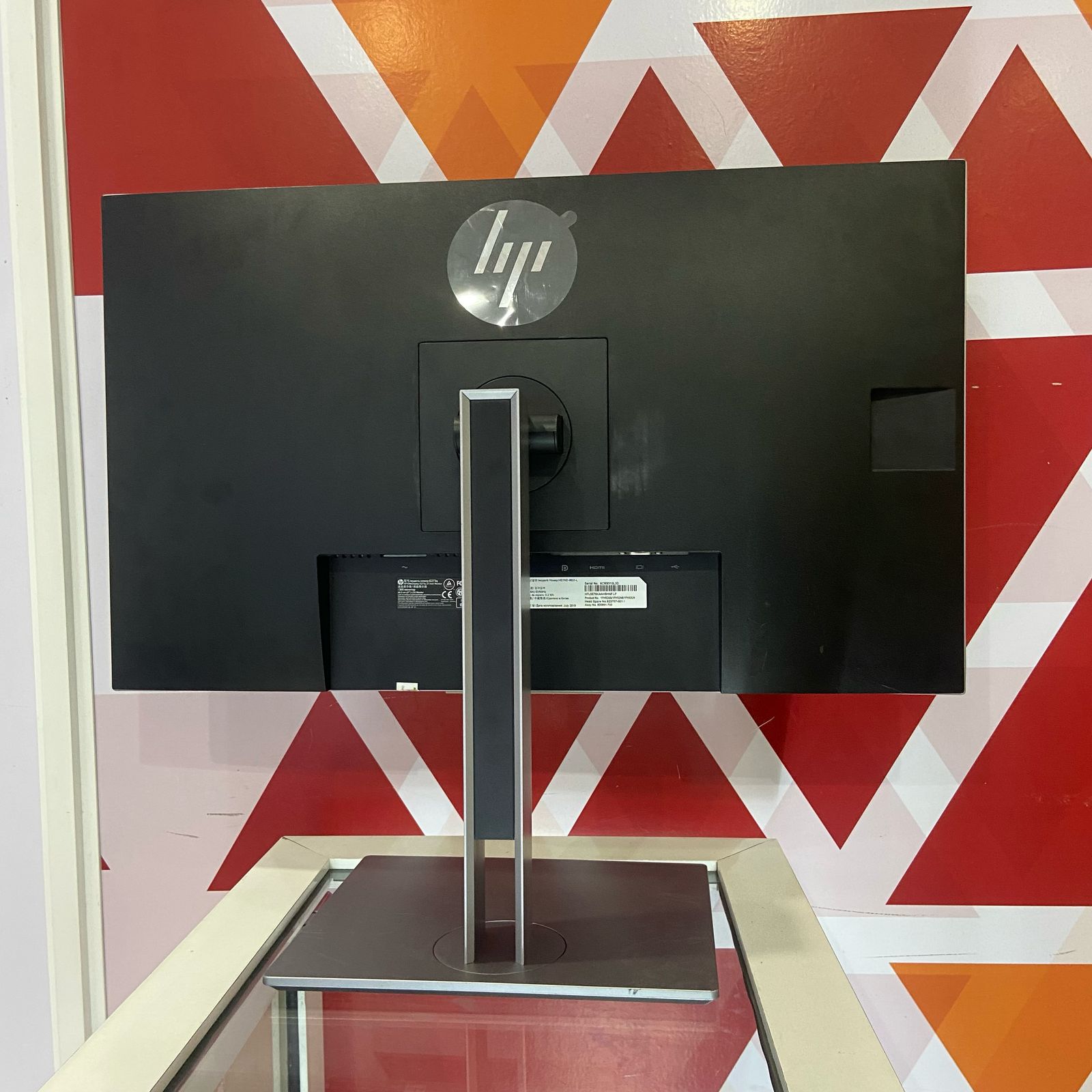
Versatile Connectivity: HDMI, DisplayPort, and VGA inputs ensure compatibility with a wide range of devices
Professional Monitor Design
Spacious Screen with Ergonomic Flexibility
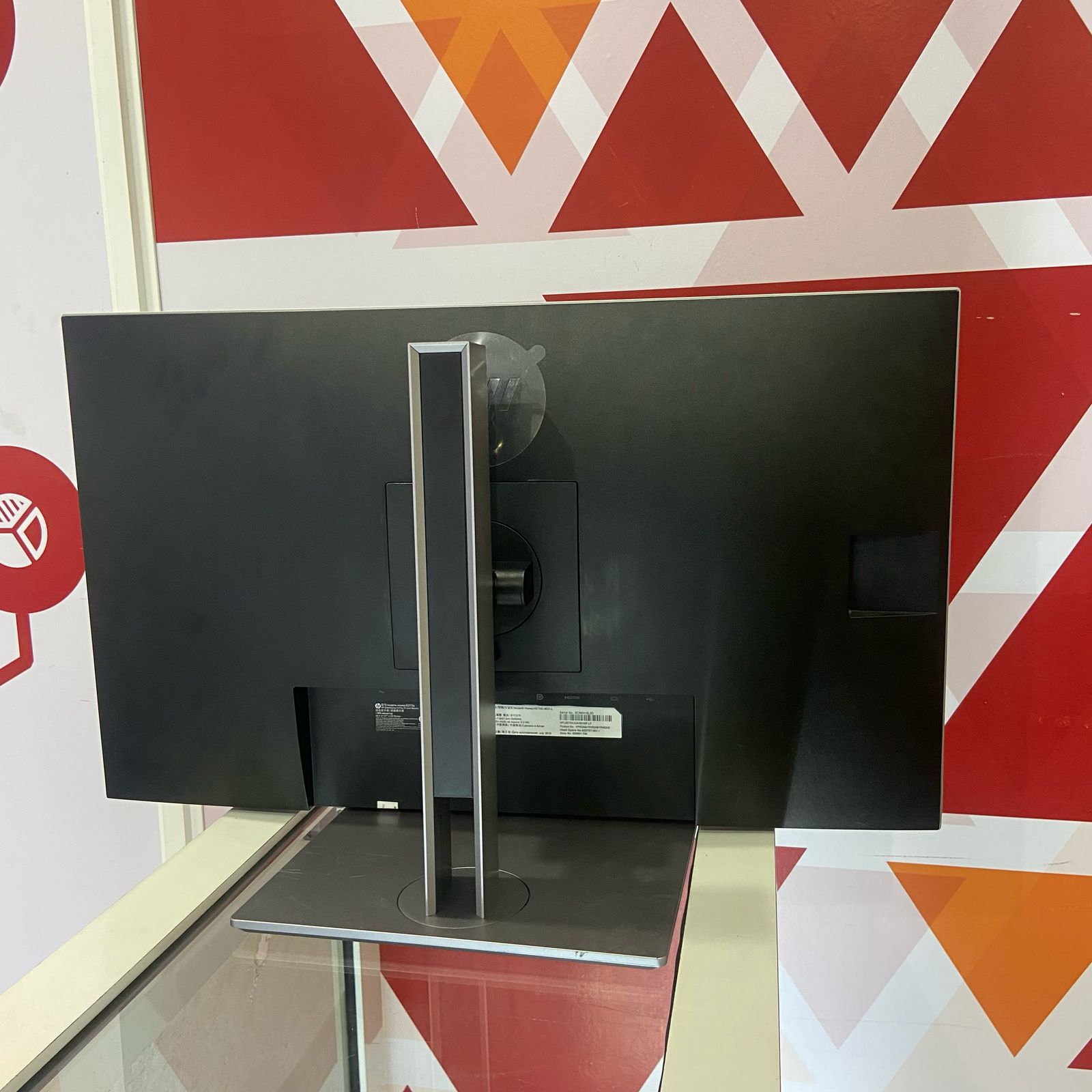
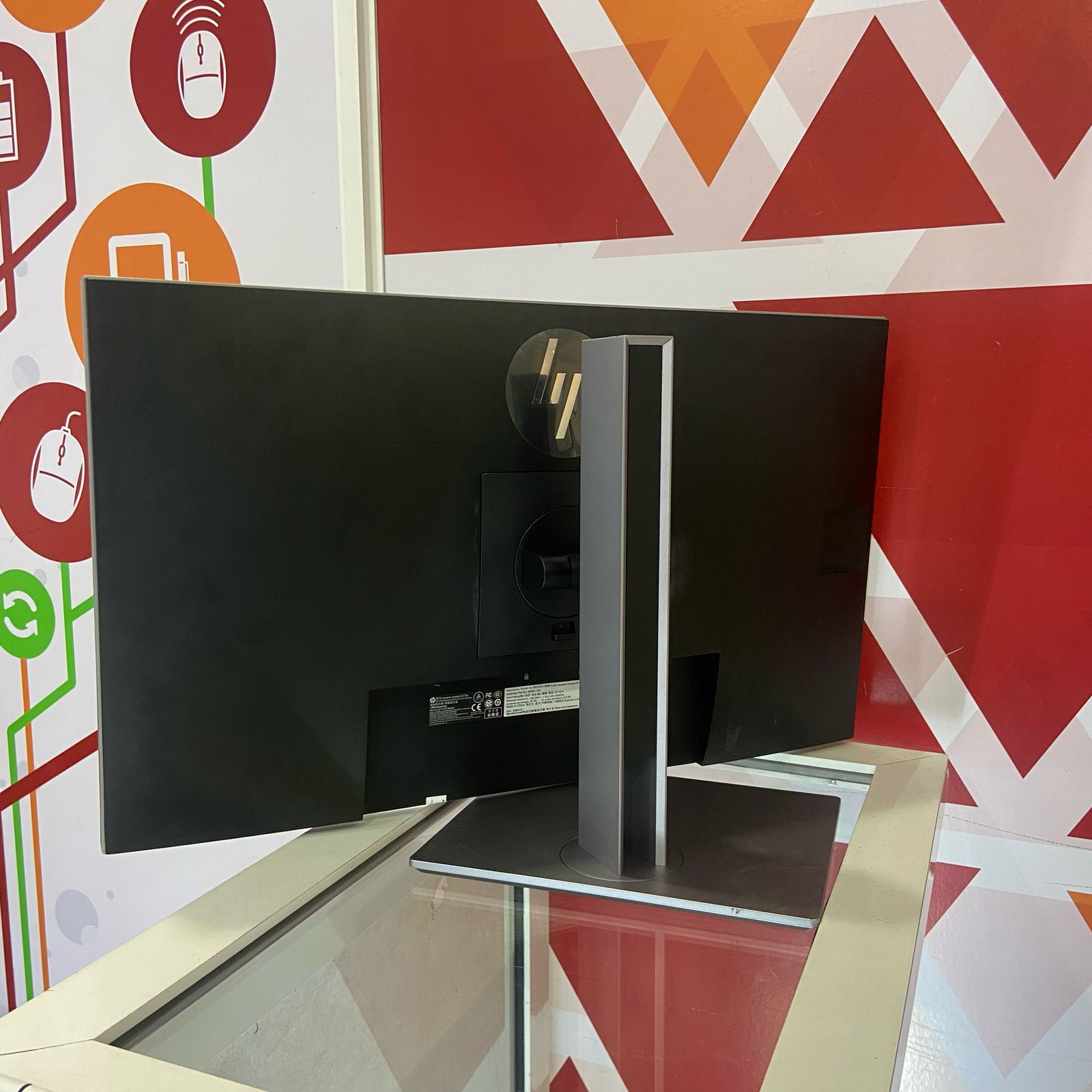
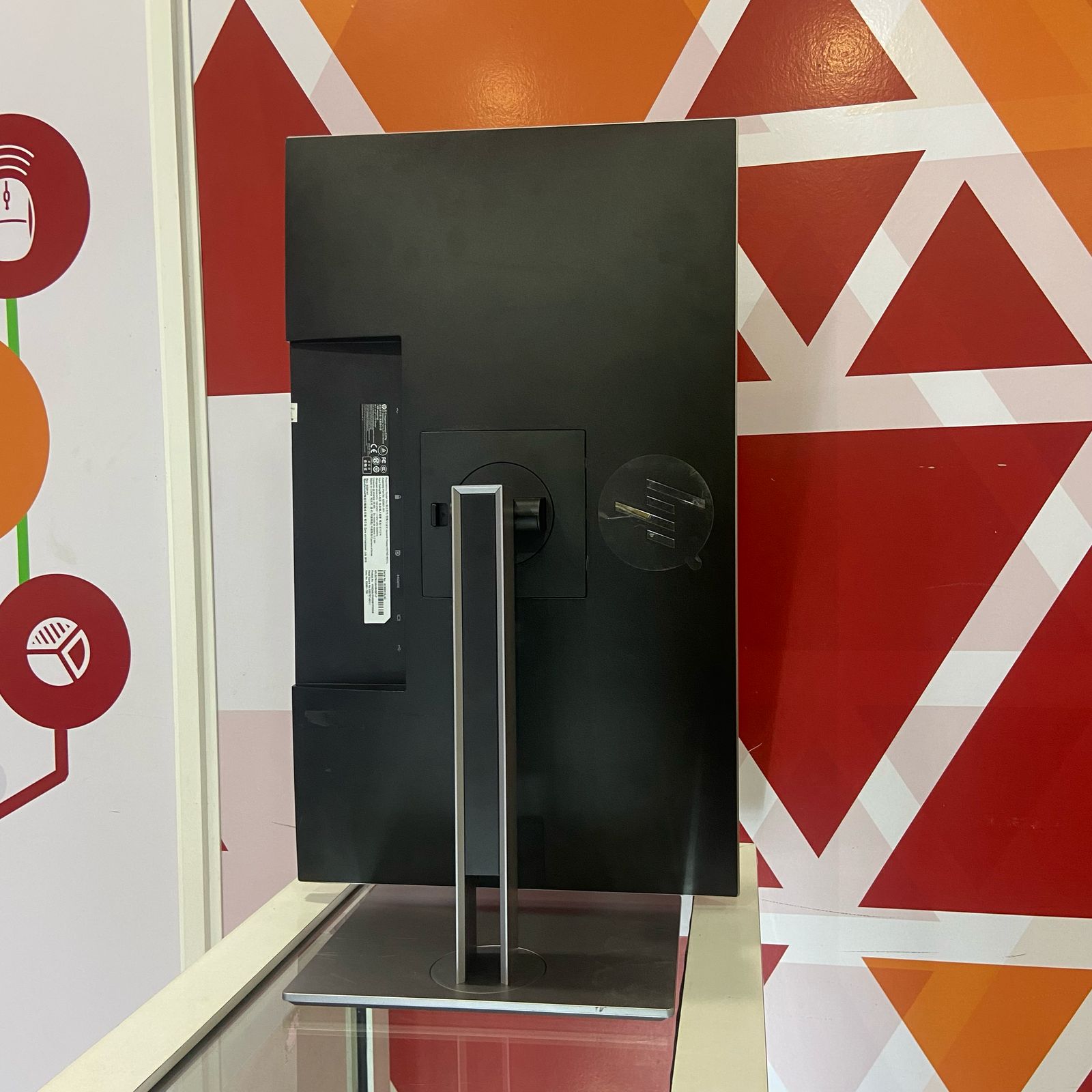
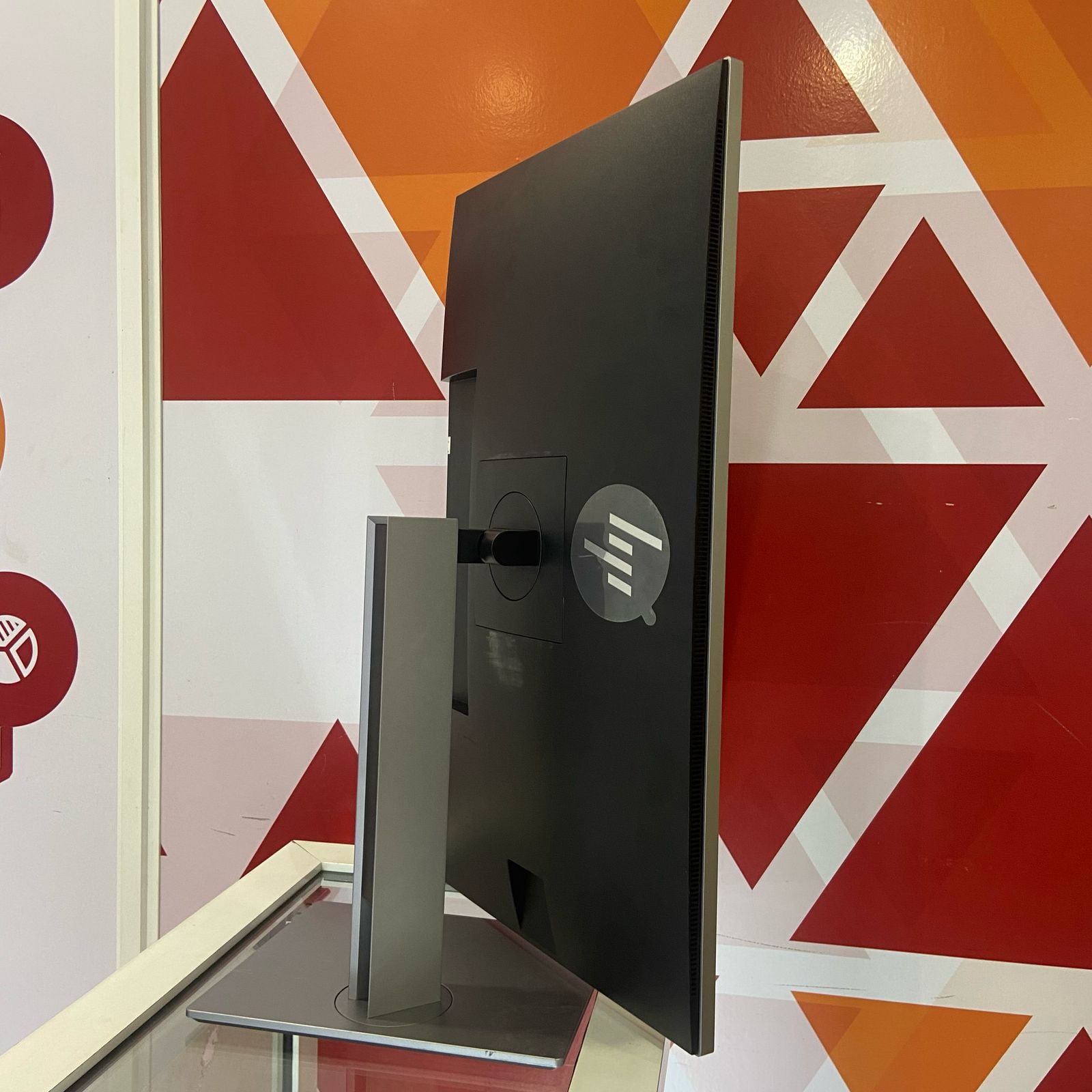
The HP EliteDisplay E273 features a generous 27-inch screen that provides ample workspace for multitasking, document editing, and data analysis. The ergonomic stand supports height adjustment up to 130 mm, tilt from -5° to +22°, swivel of ±45°, and 90° pivot rotation.
This flexibility allows you to position the monitor in portrait or landscape orientation, adapting to your workflow needs. Whether reviewing lengthy documents or working with spreadsheets, the pivot function offers comfortable viewing.
Professional Aesthetics for Any Workspace
Finished in a sleek black color with a sophisticated matte finish, the HP EliteDisplay E273 maintains a professional appearance suitable for corporate environments, executive offices, and home workspaces. The cable management design helps keep your desk organized and clutter-free.
The 100 x 100 mm VESA mount compatibility offers additional mounting options for arms or wall mounts, providing even more flexibility in workspace configuration.
Display Quality and Visual Performance
IPS Panel Technology
The IPS (In-Plane Switching) panel delivers consistent colors and excellent viewing angles up to 178° horizontally and vertically. Whether you’re sharing your screen with colleagues during meetings or working from different positions, the image quality remains accurate and vibrant.
Full HD Resolution on a Large Screen
With 1920 x 1080 Full HD resolution on a 27-inch screen, the HP EliteDisplay E273 provides clear text and comfortable viewing without the need for scaling. The 250 cd/m² brightness and 1000:1 contrast ratio deliver good visibility in typical office lighting conditions.
Color Performance
With 94% sRGB color gamut coverage, the HP EliteDisplay E273 provides reliable color reproduction suitable for office productivity, web browsing, and general business applications. The color accuracy meets the needs of most professional workflows.
Eye Comfort Features
The HP EliteDisplay E273 features flicker-free backlighting and low blue light mode, reducing eye fatigue during extended work sessions. These features help maintain comfort during long workdays, making this monitor ideal for all-day productivity.
Technical Specifications
Getting Started with Your HP EliteDisplay E273 Monitor
-
Unboxing: Carefully remove the monitor, stand, and accessories from the packaging
-
Stand Assembly: Attach the stand to the monitor by aligning and securing the base
-
Connection: Connect your computer using HDMI, DisplayPort, or VGA cable
-
USB Hub Setup: Connect the USB upstream cable to enable the built-in USB hub functionality
-
Power Connection: Connect the power cable to the monitor and a wall outlet
-
Power On: Press the power button and wait for the system to detect the display
-
Display Settings: Adjust resolution to 1920 x 1080 in your operating system display settings
-
Ergonomic Adjustment: Set the height, tilt, swivel, and pivot to your preferred viewing position
-
Color Calibration: Fine-tune brightness, contrast, and color settings using the on-screen display menu
HP EliteDisplay E273 Frequently Asked Questions
What cables are included with this monitor?
The Certified Refurbished HP EliteDisplay E273 typically includes the power cable. HDMI, DisplayPort, VGA, and USB upstream cables may vary by listing. Please check the product details for specific cable inclusions.
Is a 27-inch Full HD monitor suitable for office work?
Yes, a 27-inch Full HD monitor provides excellent readability for office work. The larger screen size allows for comfortable viewing of multiple windows side by side, while the 1920 x 1080 resolution maintains good text clarity without requiring display scaling.
Does this monitor have built-in speakers?
No, the HP EliteDisplay E273 does not include built-in speakers. It features a 3.5mm audio jack for connecting external headphones or speakers to the audio output.
How do I use the USB hub functionality?
Connect the USB upstream cable from the monitor to your computer to activate the three USB downstream ports. You can then connect peripherals such as keyboards, mice, or USB drives directly to the monitor for convenient desktop access.
Can I mount this monitor on a VESA arm?
Yes, the HP EliteDisplay E273 features 100 x 100 mm VESA mounting compatibility, allowing you to attach the monitor to standard monitor arms, wall mounts, or multi-monitor stands for flexible positioning.
Is this monitor suitable for dual monitor setups?
Absolutely. The 27-inch screen size and micro-edge bezel design make the HP EliteDisplay E273 an excellent choice for dual monitor configurations. The slim bezels create a nearly seamless viewing experience across multiple displays.
What is the warranty on this certified refurbished unit?
This Certified Refurbished HP EliteDisplay E273 comes with a 6-month warranty, ensuring peace of mind with your purchase. The unit has been thoroughly tested, cleaned, and verified to meet manufacturer specifications.
Final Thoughts on the HP EliteDisplay E273 Monitor
The HP EliteDisplay E273 represents an outstanding monitor solution for professionals seeking spacious screen real estate and ergonomic comfort. With its generous 27-inch IPS display, comprehensive adjustability, and integrated USB hub, this monitor delivers the workspace and flexibility needed for productive work.
The Certified Refurbished certification ensures quality while offering significant savings compared to new units. Whether you need a large display for spreadsheet analysis, a comfortable screen for extended work sessions, or a versatile monitor for business environments, the HP EliteDisplay E273 provides the features, performance, and ergonomics needed for modern professional workflows.
Its spacious screen, integrated USB hub, and VESA mount compatibility add practical convenience, making it a smart choice for professionals who value screen size and comfort in their workspace.


 Mobile Devices



 Pick up from the Depine Nairobi Store
 Nairobi Delivery
 Countrywide Delivery





 Warranty 1 year
 Free 30-Day returns


Reviews
Clear filtersThere are no reviews yet.