Brand New Logitech MX Keys Mini Wireless Bluetooth Keyboard Compact Tenkeyless Backlit USB-C Rechargeable – Graphite
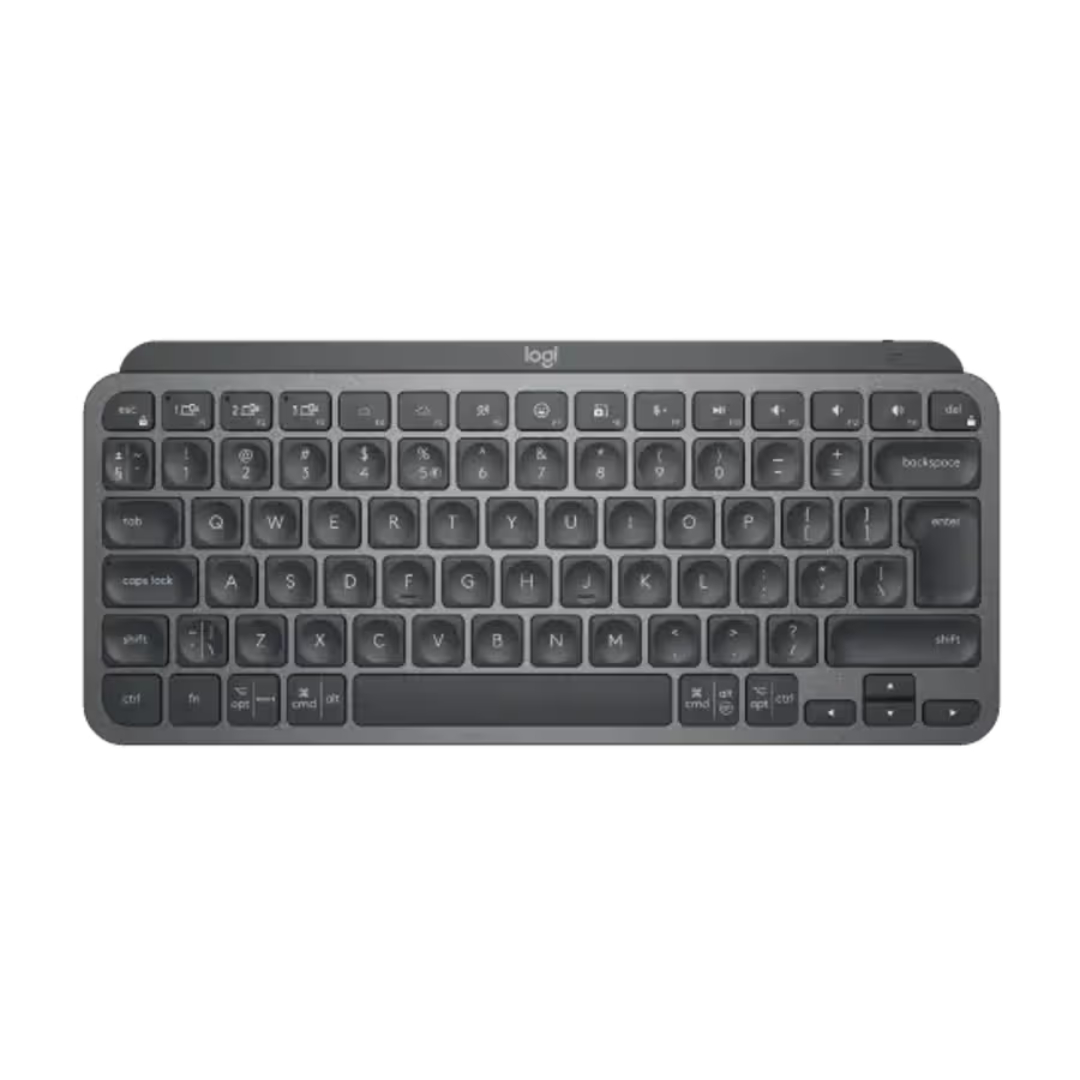
The Logitech MX Keys Mini delivers a premium typing experience in a sleek, compact form factor. This wireless keyboard combines Logitech’s renowned Perfect Stroke keys with smart illumination and multi-device connectivity. With its space-saving tenkeyless design and USB-C rechargeable battery, the Logitech MX Keys Mini is engineered for professionals who value both portability and comfort. Whether for a Mac setup, iPad workflow, or Windows desktop, this compact keyboard offers exceptional performance for modern workspaces.
Key Benefits of the Logitech MX Keys Mini
-
Compact Tenkeyless Design: Saves valuable desk space while maintaining full-size key performance.
-
Smart Illumination Backlight: Keys light up automatically based on hand proximity and ambient light.
-
Multi-Device Connectivity: Pair with up to 3 devices via Bluetooth and switch seamlessly with Easy-Switch buttons.
-
USB-C Rechargeable Battery: Built-in battery lasts up to 10 days on a full charge (or 5 months with backlight off).
-
Perfect Stroke Keys: Spherically-dished keys provide exceptional feel and precision for quiet, fluid typing.
Premium Design and Build Quality
Compact Tenkeyless Form Factor
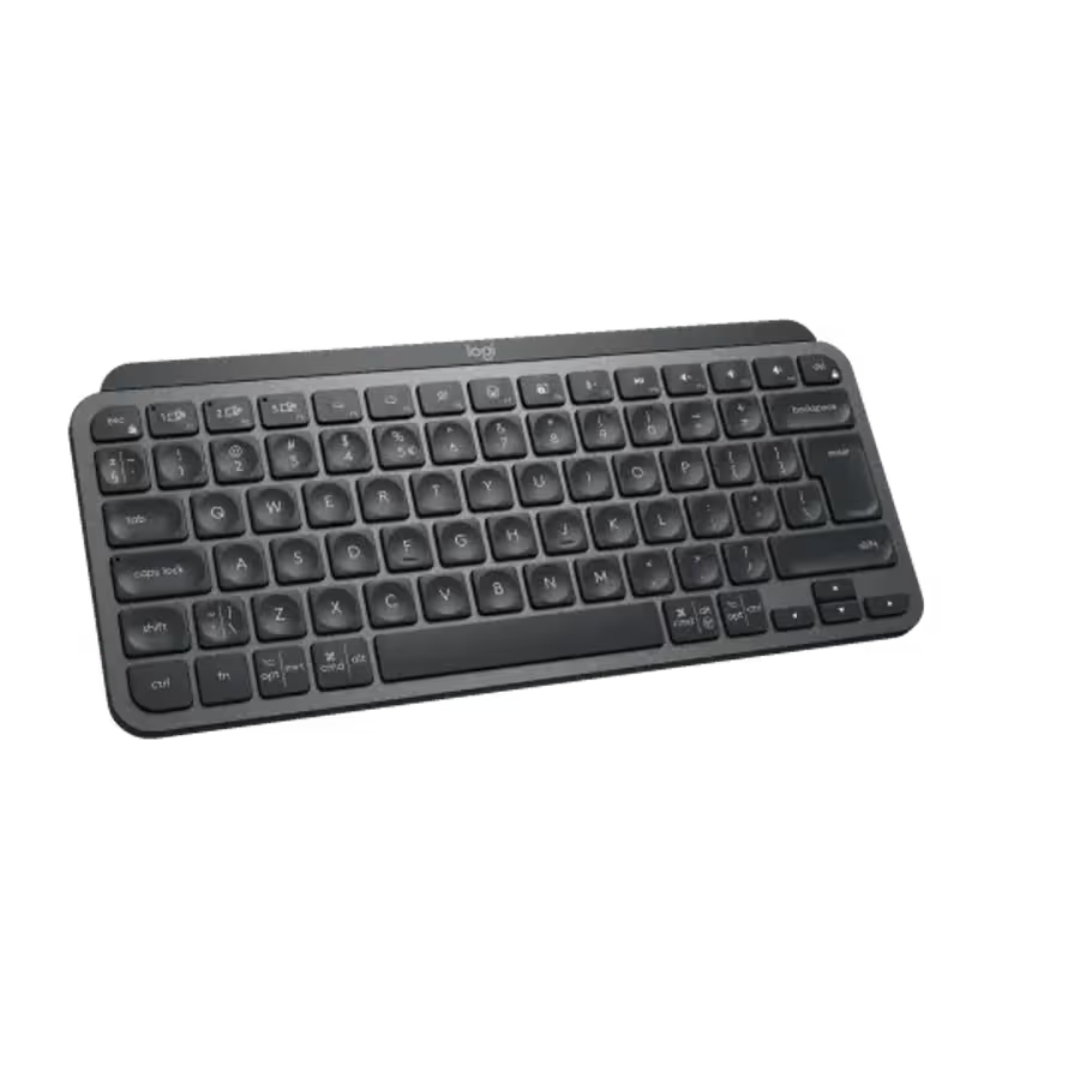
The Logitech MX Keys Mini features a compact tenkeyless layout that eliminates the number pad for a streamlined profile. Measuring just 29.5 cm wide, this wireless keyboard fits perfectly in front of a laptop, tablet, or small desk setup. The graphite finish offers a sophisticated, professional appearance that complements any workspace.
Low-Profile and Ergonomic Design
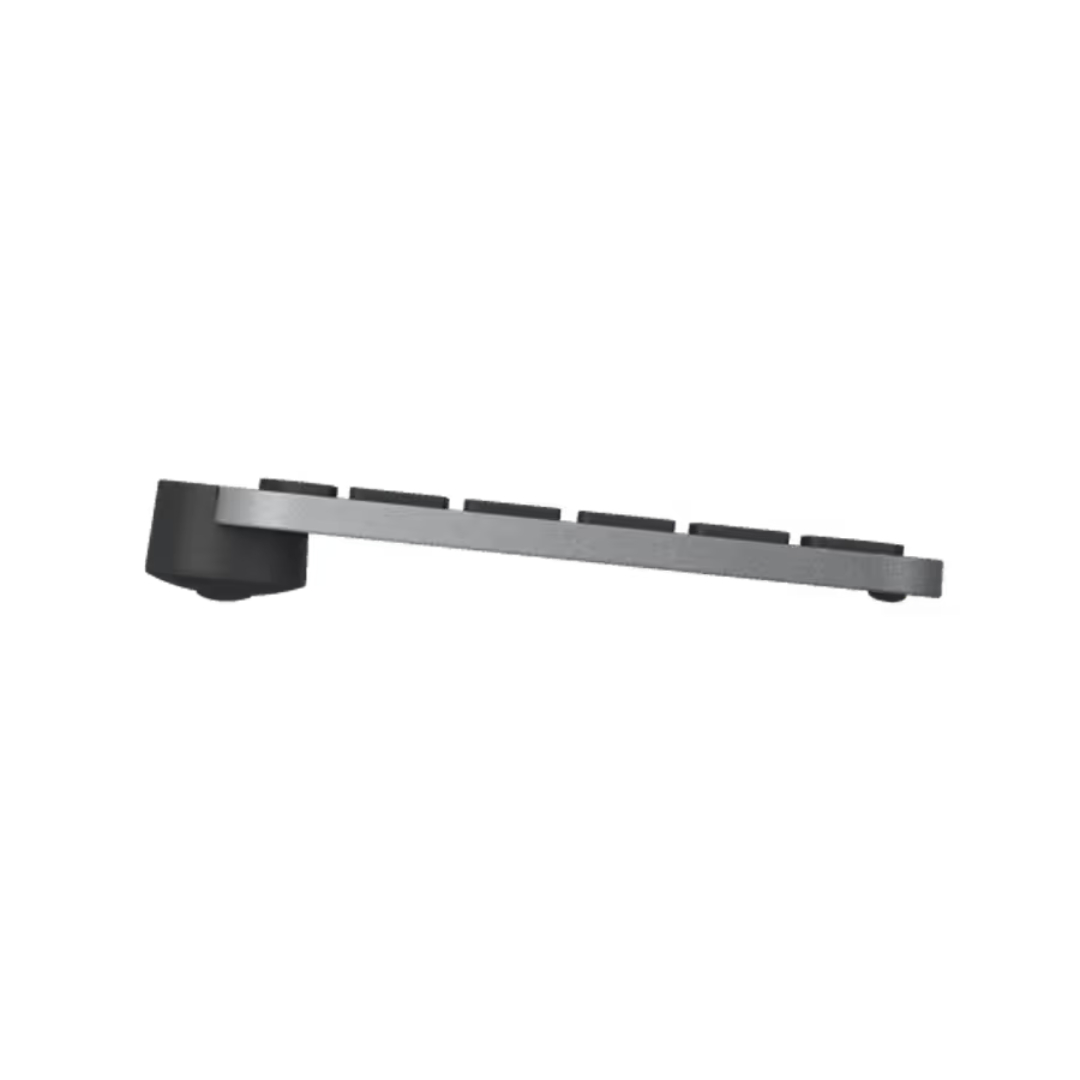
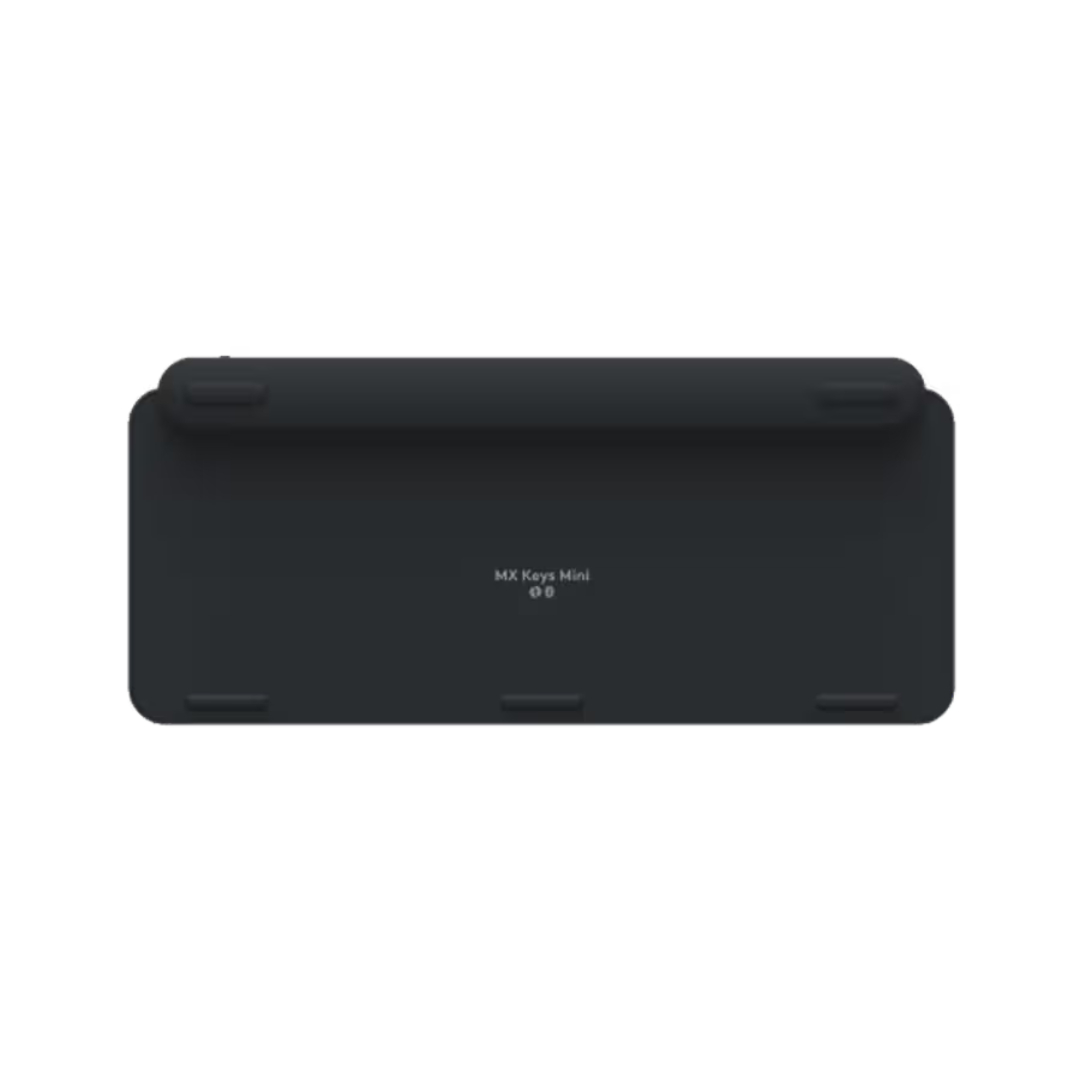
Designed for comfort, the MX Keys Mini maintains a low-profile shape that promotes a natural wrist position. The stable, non-slip base ensures the keyboard stays firmly in place during extended typing sessions. This minimalist keyboard is ideal for professionals, students, and creatives seeking a clean, uncluttered setup.
Advanced Performance Features
Typing Experience and Key Technology
Logitech’s Perfect Stroke keys are spherically-dished to match the shape of your fingertips, providing exceptional feel and precise feedback. The keys are designed for quiet, fluid typing with just the right amount of travel. This ergonomic keyboard reduces typing fatigue while maintaining accuracy for long work sessions.
Smart Illumination and Connectivity
The MX Keys Mini features smart illumination that activates automatically when your hands approach the keyboard. Backlight intensity adjusts to changing lighting conditions, ensuring visibility in any environment. Connect to up to three devices via Bluetooth and switch between them instantly using dedicated Easy-Switch keys. Compatible with Windows, macOS, iPadOS, Android, Chrome OS, and Linux.
Technical Specifications
Getting Started with Your Logitech MX Keys Mini
-
Unboxing: Remove the keyboard from packaging and locate the USB-C charging cable.
-
Charge: Connect the USB-C cable to a power source for initial charging.
-
Power On: Slide the power switch to turn on the keyboard.
-
Pair via Bluetooth: Press and hold one of the Easy-Switch keys (1, 2, or 3) for 3 seconds to enter pairing mode.
-
Connect Device: Select “MX Keys Mini” from your device’s Bluetooth settings.
-
Install Logitech Options+: Download the software to customize function keys, backlight settings, and create app-specific profiles.
-
Charge as Needed: Use the USB-C port for convenient recharging when battery is low.
Logitech MX Keys Mini Frequently Asked Questions
What devices is the Logitech MX Keys Mini compatible with?
The MX Keys Mini is compatible with a wide range of devices including Windows PCs, Macs, iPads, iPhones, Android tablets and phones, Chromebooks, and Linux systems. It connects via Bluetooth and includes dedicated keys for both macOS and Windows layouts.
How long does the battery last, and how do I charge it?
The built-in rechargeable battery lasts up to 10 days with backlight on or up to 5 months with backlight off. Charging is done via the included USB-C cable, and a quick 10-minute charge provides enough power for a full day of use.
Can I use this keyboard with a USB receiver?
Yes, while the MX Keys Mini is primarily a Bluetooth keyboard, it is also compatible with the Logi Bolt USB Receiver (sold separately) for a reliable, low-latency wireless connection.
What is the difference between the MX Keys and MX Keys Mini?
The MX Keys Mini features a compact tenkeyless design that removes the number pad for a smaller footprint, making it ideal for travel and tight desk spaces. It retains all the core features including Perfect Stroke keys, smart illumination, and multi-device connectivity.
Does this keyboard come with a wrist rest?
No, the MX Keys Mini does not include a wrist rest. Its low-profile design is intended to provide ergonomic comfort without additional accessories, though it can be used with third-party wrist rests if desired.
Is the backlight adjustable?
Yes, the smart illumination system automatically adjusts backlight intensity based on ambient light conditions. You can also control backlight settings manually through the Logitech Options+ software.
Final Thoughts on the Logitech MX Keys Mini
The Logitech MX Keys Mini represents a perfect balance of premium typing feel and compact portability. With its wireless connectivity, smart illumination, and USB-C rechargeability, this keyboard delivers exceptional value for professionals and home office users. The tenkeyless design maximizes desk space without compromising typing comfort, while multi-device support allows seamless switching between computers, tablets, and smartphones. Whether you need a reliable keyboard for your Mac, a portable companion for your iPad, or a professional input device for your Windows desktop, the Logitech MX Keys Mini provides the features, build quality, and performance expected from Logitech’s MX series. Backed by a 1-year warranty for brand new units, this keyboard is a smart investment for any modern workspace.



 Pick up from the Depine Nairobi Store
 Nairobi Delivery
 Countrywide Delivery


 Warranty 1 year
 Free 30-Day returns


Reviews
Clear filtersThere are no reviews yet.