Brand New Logitech MK220 Wireless Keyboard & Mouse Combo Compact Full-Size with Numeric Keypad USB Receiver 2.4GHz – Black
The Logitech MK220 delivers a reliable wireless desktop experience with its compact full-size keyboard and optical mouse. This Brand New Logitech MK220 combo combines space-saving design, quiet typing, and secure wireless connectivity in one convenient package.
Designed for home offices and compact workspaces, this wireless keyboard and mouse set offers plug-and-play simplicity with long battery life. Whether for a home office, small desk setup, or everyday computing, the Logitech MK220 provides essential features without taking up valuable space.
Key Benefits of the Logitech MK220
-
Compact Full-Size Layout: Includes a numeric keypad in a space-saving design that fits smaller desks.
-
2.4GHz Wireless Connectivity: Reliable, lag-free connection with a tiny USB receiver.
-
Long Battery Life: Keyboard lasts up to 24 months and mouse up to 12 months on included batteries.
-
Quiet, Low-Profile Keys: Comfortable, whisper-quiet typing for shared or quiet environments.
-
Secure Wireless Connection: 128-bit AES encryption helps protect your keystrokes and data.
Compact Wireless Combo Design
Keyboard Features and Space-Saving Design
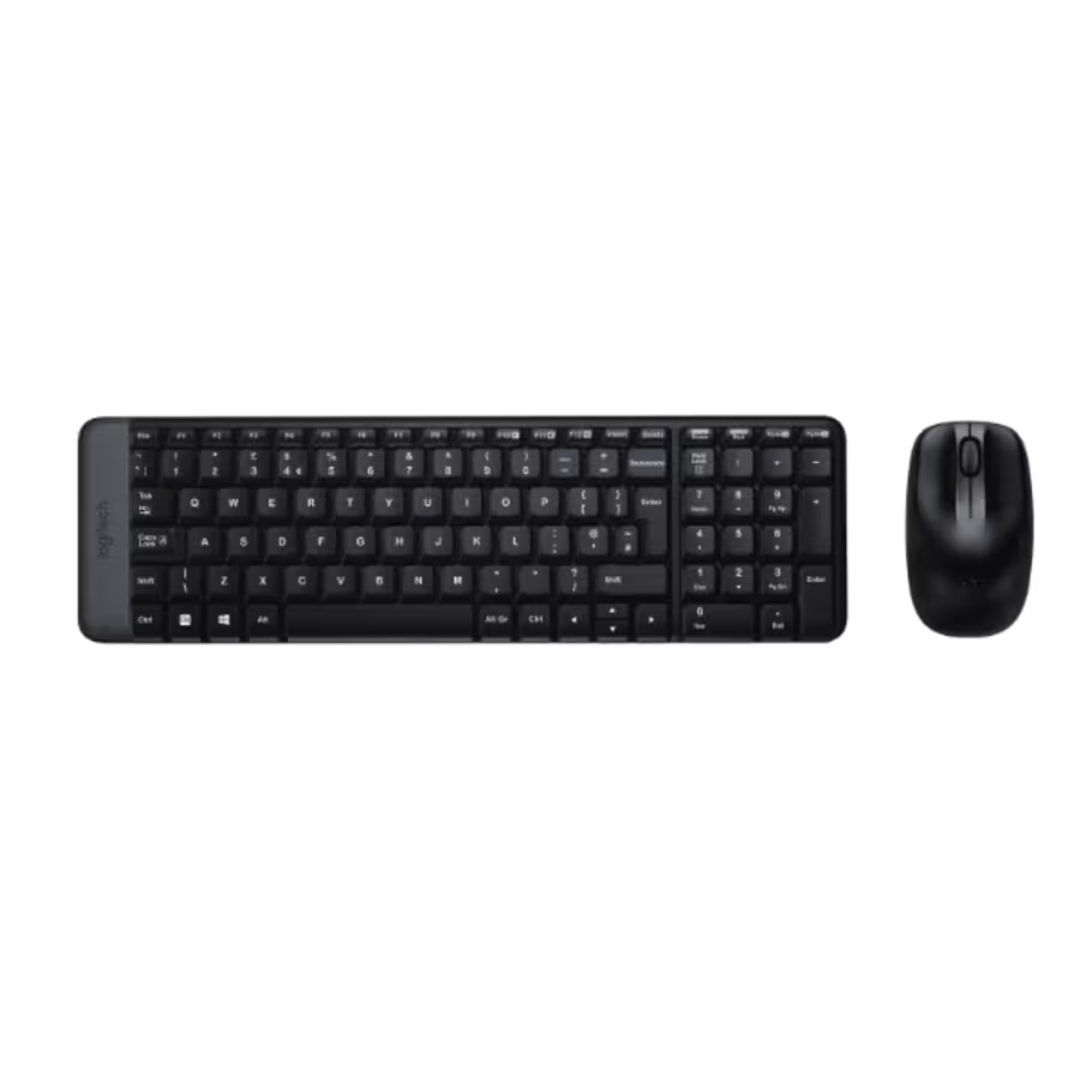
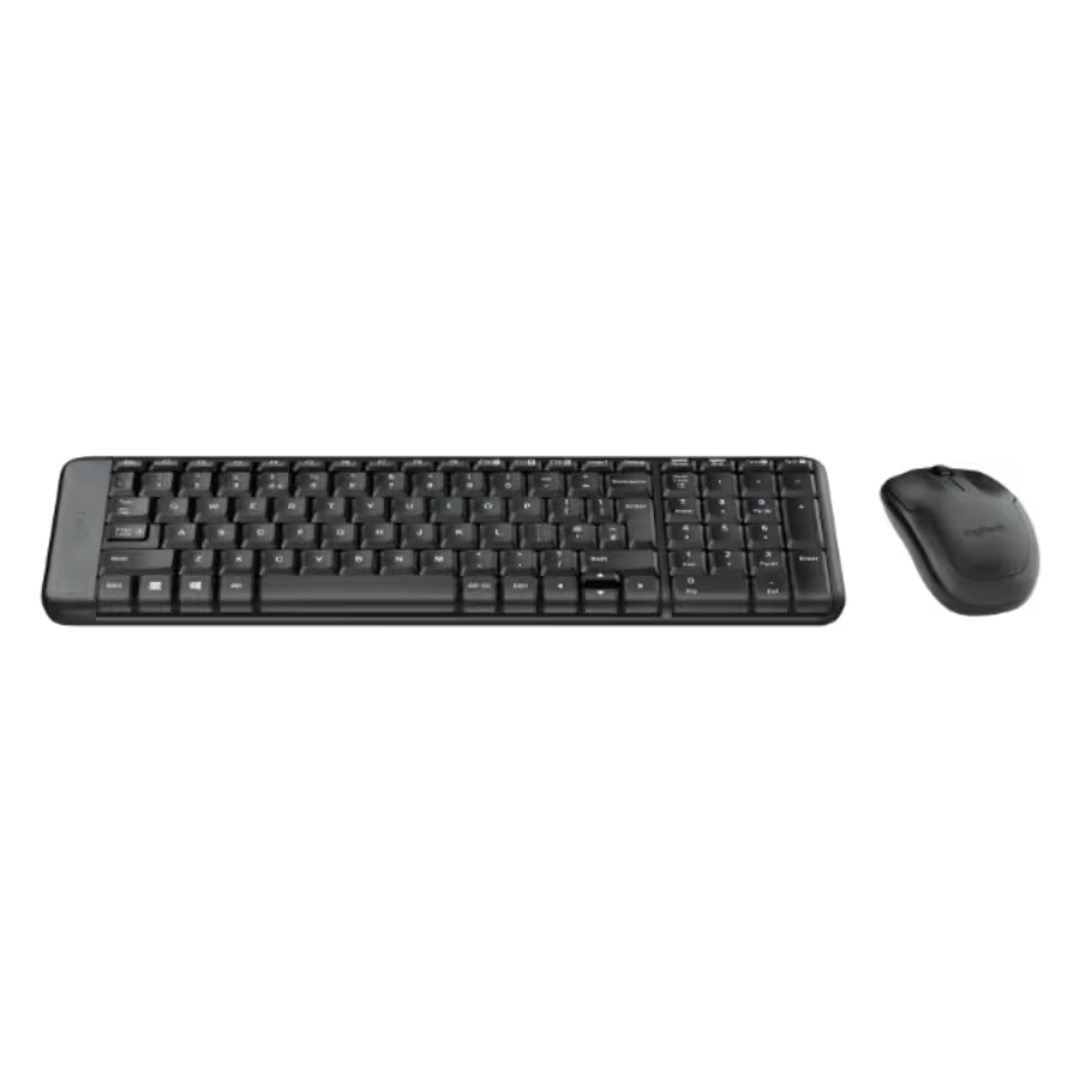
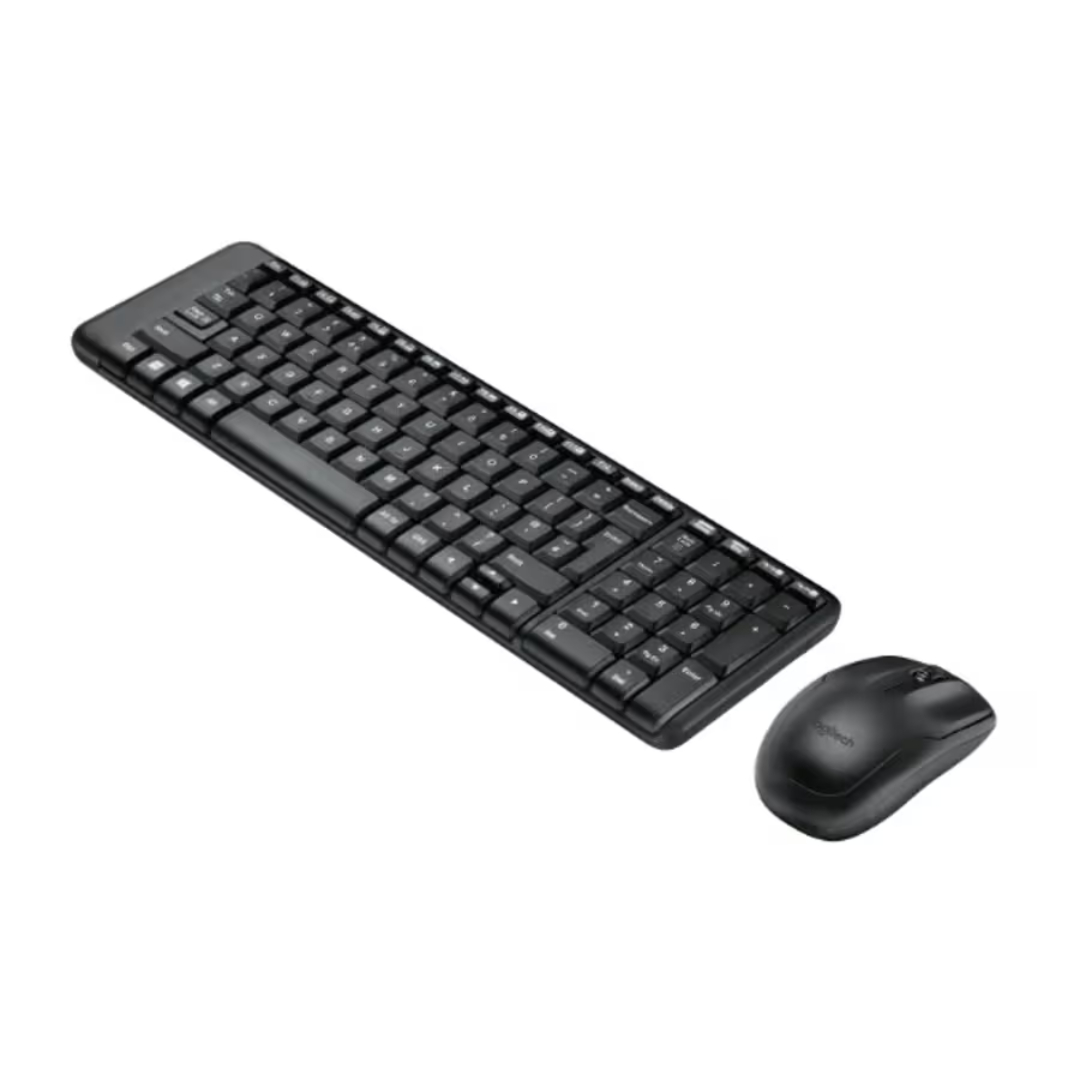
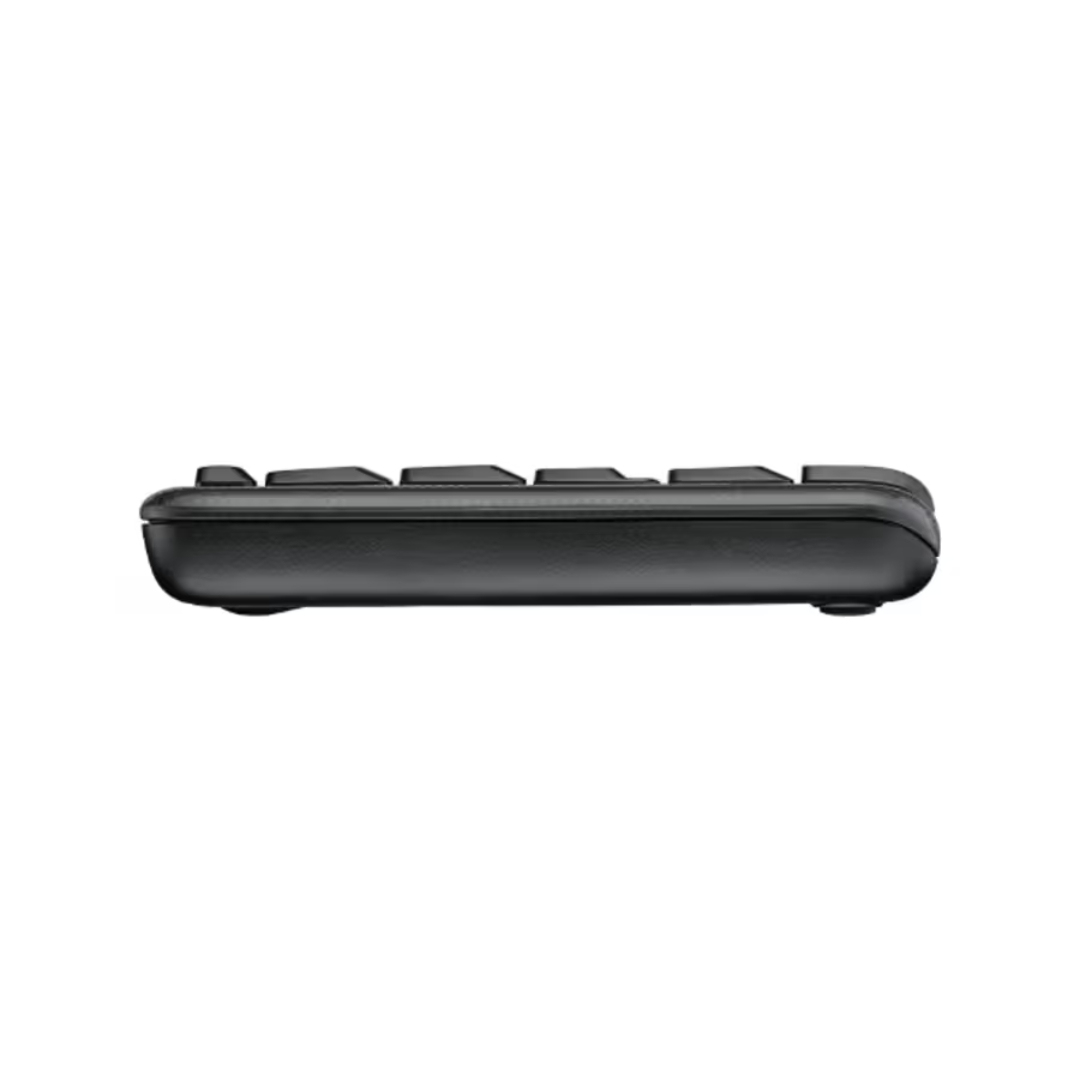
The Logitech MK220 features a compact full-size keyboard that includes a numeric keypad while maintaining a smaller footprint. This space-saving design is perfect for desks with limited surface area.
The low-profile keys provide quiet, comfortable typing that won’t disturb others nearby. The spill-resistant design protects against accidental liquid spills, ensuring durability. The integrated USB receiver stores conveniently inside the keyboard, making it easy to transport without losing the dongle.
Wireless Mouse and Connectivity
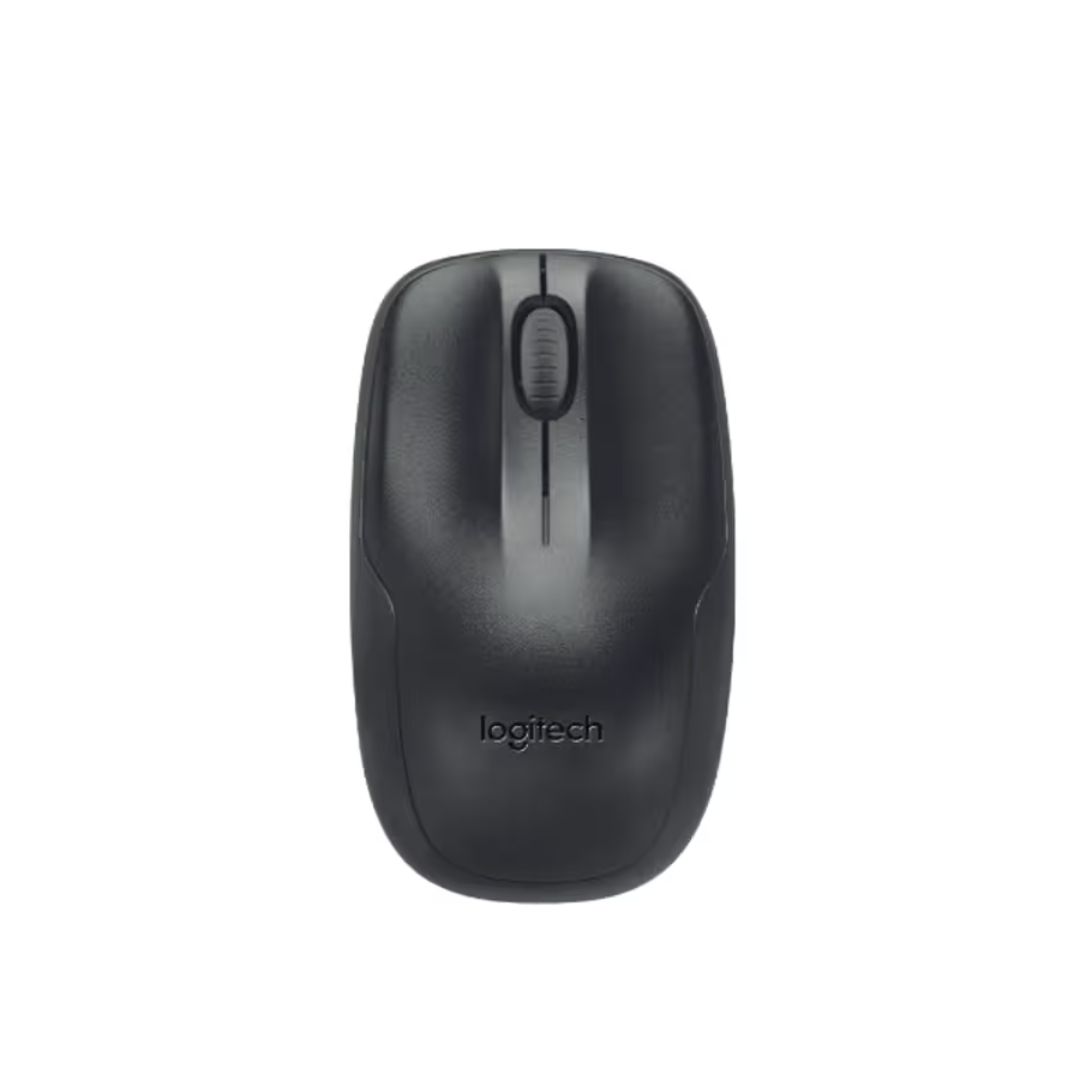
The included optical mouse features an ambidextrous design suitable for both left-handed and right-handed users. With 1000 dpi optical tracking, it delivers smooth, precise cursor control for everyday tasks.
The 2.4GHz wireless connection provides reliable performance with a range of up to 10 meters. The tiny USB nano receiver plugs into your computer and stays out of the way, while the plug-and-play setup requires no software installation.
Technical Specifications
Getting Started with Your Logitech MK220
-
Unboxing: Remove the keyboard, mouse, USB receiver, and documentation from the packaging.
-
Install Batteries: Insert the included AAA batteries into the keyboard and mouse.
-
Connect the Receiver: Plug the USB nano receiver into an available USB port on your computer.
-
Automatic Connection: The keyboard and mouse will automatically pair with the receiver.
-
Power On: Ensure both devices are powered on (the keyboard has a power switch on the bottom).
-
Start Working: Begin using your wireless keyboard and mouse immediately with no additional software required.
Logitech MK220 Frequently Asked Questions
What is the difference between the MK220 and the MK120?
The MK220 is a wireless combo, while the MK120 is wired. The MK220 also features a more compact design with a smaller footprint while retaining the numeric keypad. Both offer quiet keys and spill-resistant keyboards, but the MK220 provides the freedom of wireless connectivity with long battery life.
How long do the batteries last?
The keyboard batteries last up to 24 months, and the mouse batteries last up to 12 months based on typical office usage. Both devices use standard AAA batteries, which are included with the combo.
Is the keyboard spill-resistant?
Yes, the Logitech MK220 keyboard features a spill-resistant design. It is engineered to withstand small accidental liquid spills. For larger spills, unplug the USB receiver, remove batteries, drain excess liquid, and allow it to dry completely before reuse.
Is this compatible with Mac computers?
The Logitech MK220 is designed primarily for Windows and Chrome OS. While basic typing and mouse functions may work on macOS, some keys may not function as expected. For optimal compatibility, Windows and Chrome OS are recommended.
Does this combo include 128-bit encryption?
Yes, the Logitech MK220 features 128-bit AES encryption between the keyboard and the USB receiver. This helps protect your keystrokes and provides a more secure wireless connection compared to standard wireless keyboards.
Can I use this with a laptop or desktop?
Absolutely. The Logitech MK220 works with any computer that has an available USB-A port. The compact keyboard is especially well-suited for laptop users who want a more comfortable typing experience at their desk.
Final Thoughts on the Logitech MK220
The Logitech MK220 represents an excellent wireless desktop solution for users seeking space-saving design, reliable performance, and long battery life. With its compact full-size keyboard featuring a numeric keypad and responsive optical mouse, this combo delivers everything needed for productive daily computing without cluttering your desk.
The brand new certification ensures quality and comes with a full 1-year warranty. Whether for a home office, small workspace, or as a convenient laptop companion, the Logitech MK220 provides the wireless freedom and essential features needed for comfortable, efficient work.
Its plug-and-play simplicity, secure encryption, and spill-resistant design make it a smart choice for anyone seeking a reliable wireless keyboard and mouse combo.


 Mobile Devices



 Pick up from the Depine Nairobi Store
 Nairobi Delivery
 Countrywide Delivery


 Warranty 1 year
 Free 30-Day returns


Reviews
Clear filtersThere are no reviews yet.