Brand New Logitech M185 Wireless Mouse 910-002235 2.4GHz Optical 1000 DPI Ambidextrous Plug-and-Play USB Nano Receiver 12-Month Battery Life – Swift Grey
The Logitech M185 delivers reliable wireless performance in a compact, ambidextrous design perfect for everyday computing. This brand new wireless mouse combines 2.4GHz connectivity with an optical sensor for precise tracking across most surfaces. With its plug-and-play USB nano receiver and up to 12 months of battery life, the Logitech M185 is engineered for users seeking a dependable, hassle-free mouse for work, study, or home use. Whether for a laptop, desktop, or Chromebook, this wireless mouse offers the perfect balance of simplicity, comfort, and value.
Key Benefits of the Logitech M185
-
Reliable 2.4GHz Wireless Connection: Strong, interference-free connection for smooth cursor control
-
Optical Tracking with 1000 DPI: Precise movement on most surfaces for accurate navigation
-
Ambidextrous Design: Comfortable shape suitable for both left-handed and right-handed users
-
12-Month Battery Life: Extended use from a single AA battery for worry-free operation
-
Plug-and-Play Simplicity: USB nano receiver connects instantly without software installation
Compact and Versatile Design
Ambidextrous Comfort
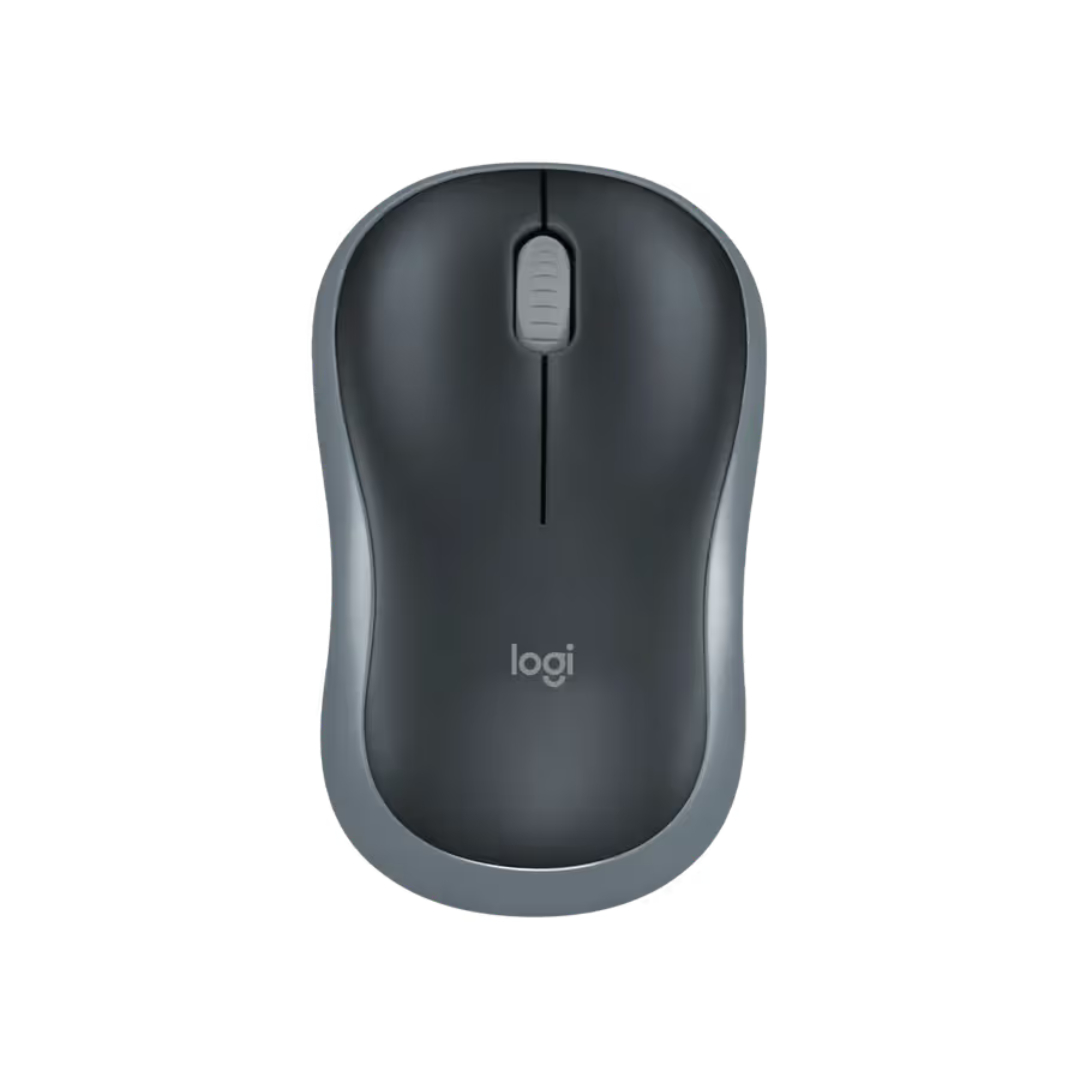
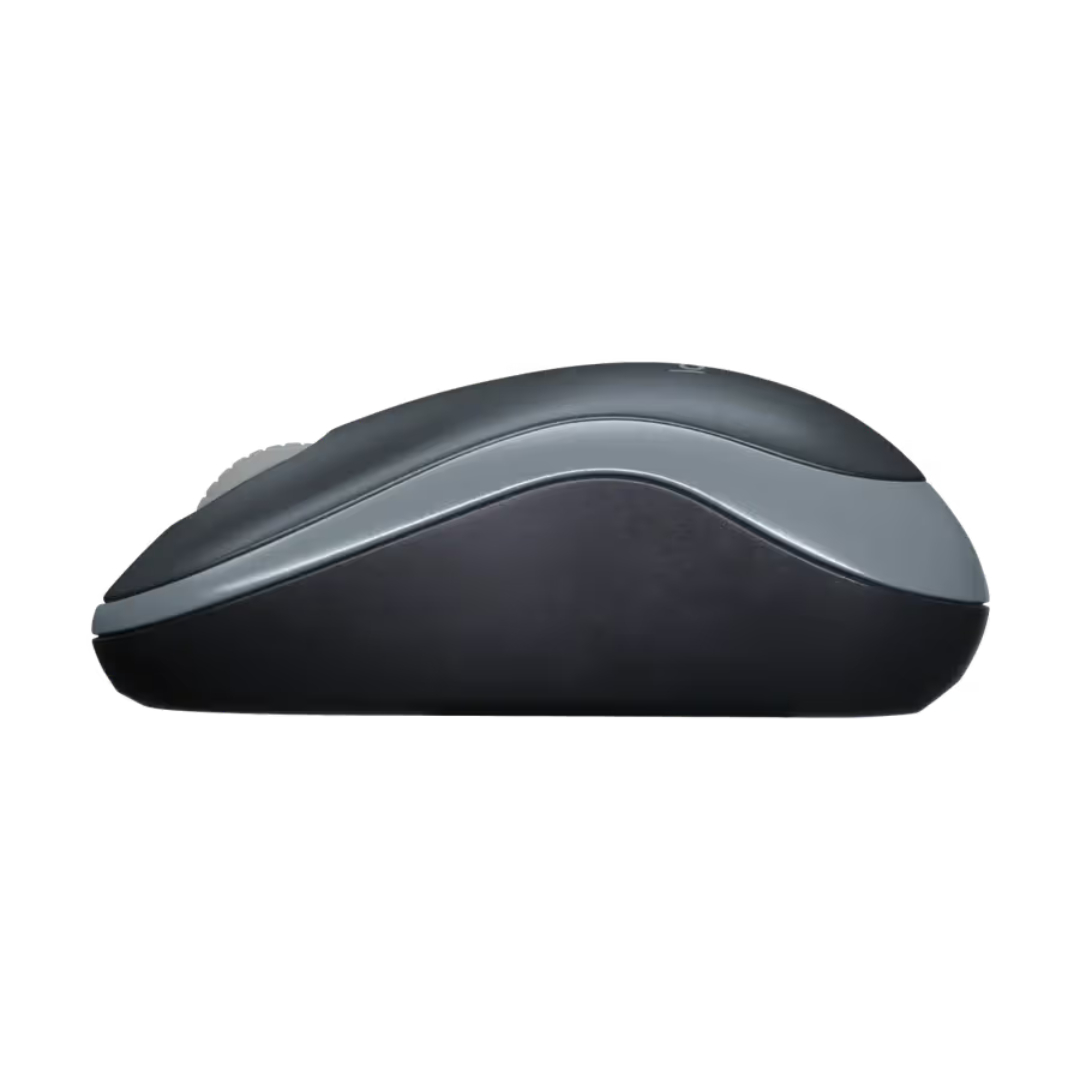
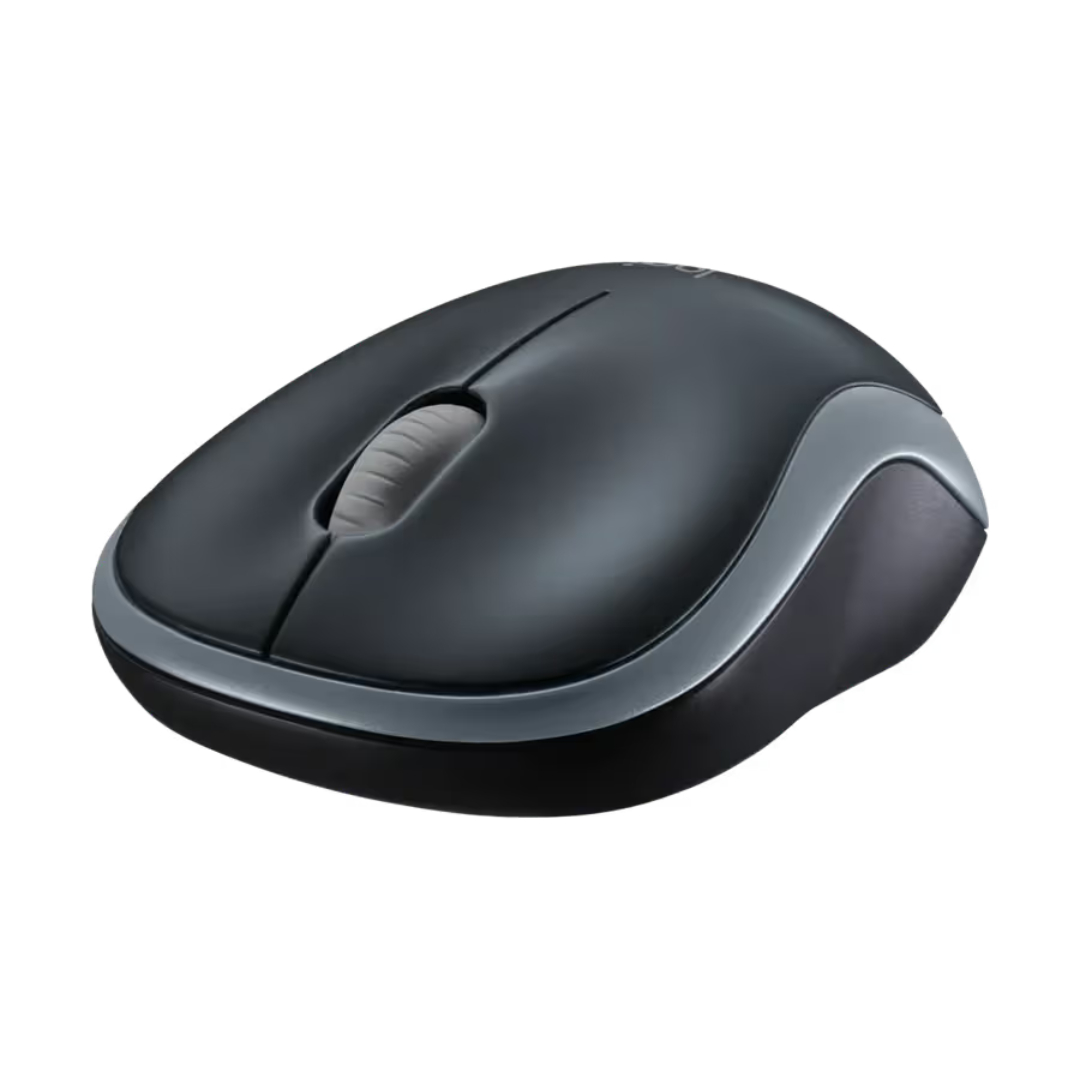
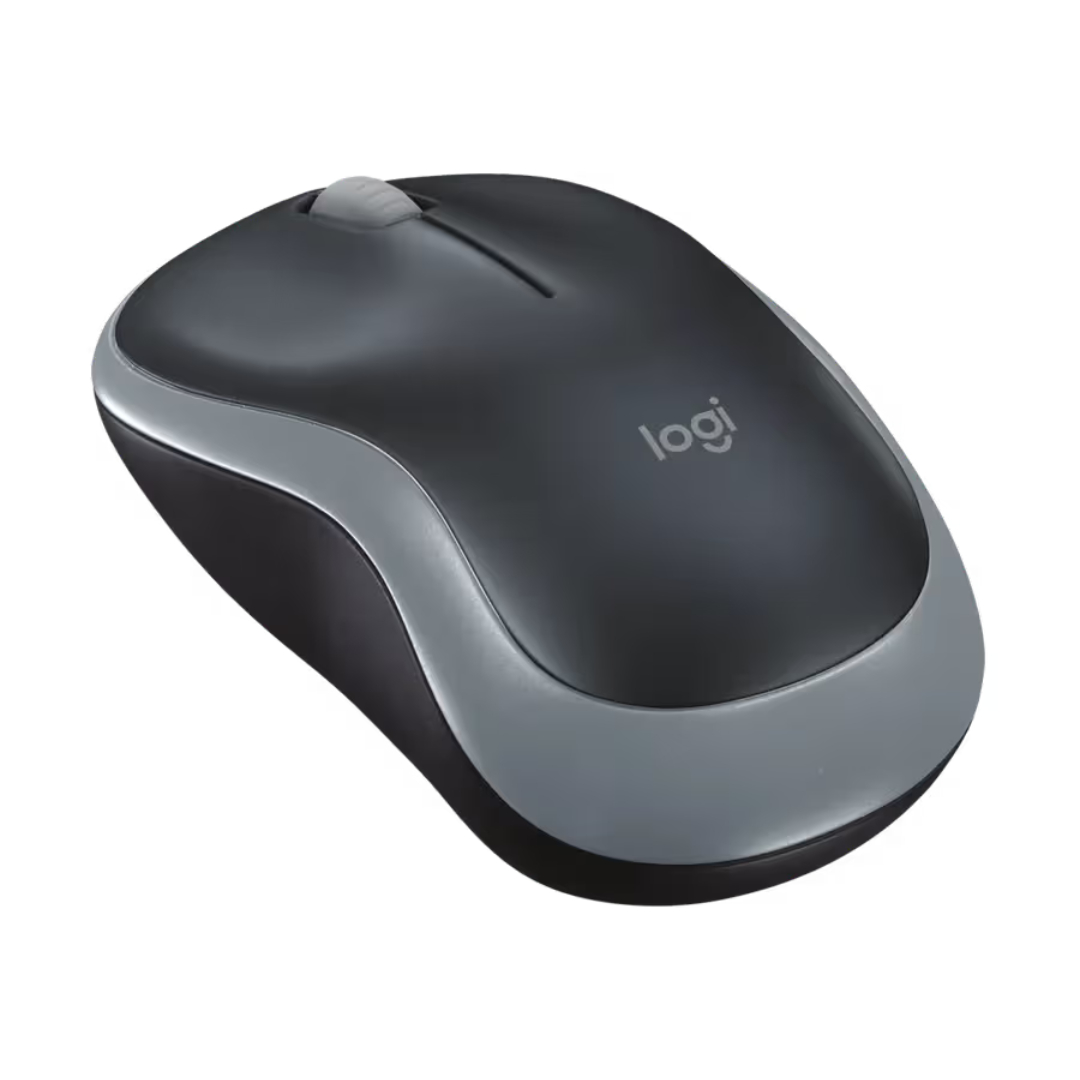
The Logitech M185 features a symmetrical, ambidextrous design that provides comfortable use for both left-handed and right-handed users. Its compact form factor fits naturally in the hand while remaining small enough for easy portability. The Swift Grey finish offers a professional, understated look suitable for any workspace.
Portable and Travel-Ready
Designed for life on the go, this wireless mouse includes a USB nano receiver that stores conveniently inside the battery compartment. This thoughtful design element prevents the receiver from getting lost during travel. Whether working from a coffee shop, moving between meeting rooms, or setting up a home office, the Logitech M185 is ready whenever you need it.
Reliable Performance
Wireless Freedom
The 2.4GHz wireless technology delivers a strong, reliable connection with virtually no delays or dropouts. The plug-and-play setup requires no pairing or software installation, making it ideal for users who want a simple, hassle-free experience. Simply plug the USB nano receiver into any compatible computer, and the mouse is ready to use within seconds.
Optical Tracking and Precision
With 1000 DPI optical tracking, the Logitech M185 provides smooth, responsive cursor control on most surfaces. This level of precision is ideal for everyday tasks like web browsing, document editing, and navigating spreadsheets. The optical sensor works reliably on desks, mouse pads, and even some fabric surfaces.
Technical Specifications
Getting Started with Your Logitech M185
-
Open Battery Compartment: Remove the battery cover and insert the included AA battery.
-
Retrieve Receiver: Take the USB nano receiver from its storage slot inside the compartment.
-
Connect Receiver: Plug the receiver into an available USB port on your computer.
-
Power On: Replace the battery cover and turn on the mouse using the power switch.
-
Start Using: The mouse will connect automatically. No software installation is required.
-
Store When Traveling: Place the receiver back in its storage slot to prevent loss during transport.
Logitech M185 Frequently Asked Questions
Does this mouse work with both left-handed and right-handed users?
Yes, the Logitech M185 features an ambidextrous design with a symmetrical shape that works comfortably for both left-handed and right-handed users. The button layout is equally accessible regardless of which hand you use.
Is any software required to use this mouse?
No, the Logitech M185 is a true plug-and-play device. Simply insert the USB nano receiver into your computer, and the mouse begins working immediately. No drivers, pairing processes, or software installation are required.
How long does the battery last?
The Logitech M185 provides up to 12 months of battery life from a single AA battery. Battery life may vary based on usage patterns. The mouse also features an auto-sleep mode that activates when not in use to help conserve power.
What operating systems are compatible?
This wireless mouse is compatible with Windows, macOS, Linux, and Chrome OS. It works with any computer that has an available USB port, making it an excellent choice for laptops, desktops, and even some tablets.
Is this mouse suitable for gaming?
The Logitech M185 is designed for productivity and everyday computing rather than gaming. With 1000 DPI and standard 2.4GHz wireless, it is best suited for office work, web browsing, and general use rather than competitive or precision gaming applications.
Can I use this mouse without the receiver?
No, this model requires the USB nano receiver for connectivity. The receiver stores inside the mouse when not in use, helping ensure it remains available whenever you need to connect to a computer.
Final Thoughts on the Logitech M185
The Logitech M185 represents a reliable, no-fuss wireless mouse solution for users seeking dependable performance at an accessible price point. With its compact ambidextrous design, plug-and-play setup, and extended battery life, this mouse delivers exactly what most users need for everyday computing. The brand new certification ensures you receive a fresh unit with all included components. Whether you need a reliable mouse for your home office, a portable option for travel, or a simple solution for a student or family computer, the Logitech M185 provides the reliability, comfort, and ease of use required for modern computing tasks.


 Mobile Devices



 Pick up from the Depine Nairobi Store
 Nairobi Delivery
 Countrywide Delivery


 Warranty 1 year
 Free 30-Day returns


Reviews
Clear filtersThere are no reviews yet.